What the AWS, Azure and Cloudflare outages teach every admin who writes scripts
Shaun Hardneck · · 2 min read
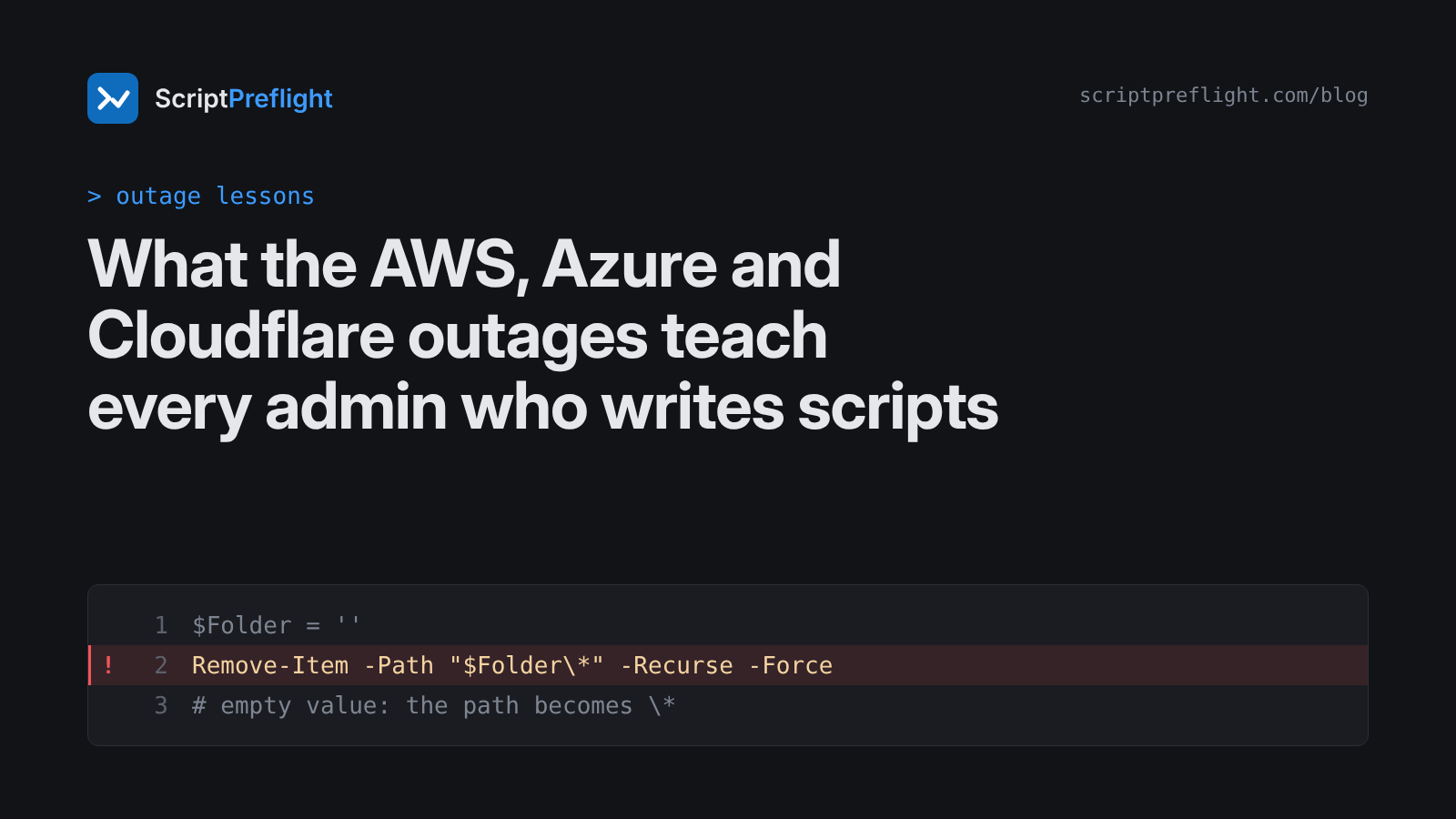
Late 2025 gave us three outages most people noticed: AWS on 19 and 20 October, Azure on 29 October, and Cloudflare on 18 November. None was an attack. Each came from automation or a configuration change behaving exactly as built, with an input nobody expected.
You don't run a hyperscaler. But the failure modes are the same ones hiding in admin scripts.
AWS: the empty value
AWS traced its US-EAST-1 outage to a latent race condition in the system that manages DNS for DynamoDB. The automation left the regional endpoint with an empty DNS record. Services that depended on DynamoDB failed, and some customers saw problems for up to 15 hours. AWS disabled that DNS automation worldwide while it fixed the race.
The script version: an empty variable. This line looks harmless:
Remove-Item -Path "$Folder\*" -Recurse -ForceIf $Folder is empty, the path becomes \*, the root of the current drive. Guard every path you build:
if ([string]::IsNullOrWhiteSpace($Folder) -or -not (Test-Path $Folder)) {
    throw "Folder is empty or missing: '$Folder'"
}
Azure: the change that went everywhere
Microsoft attributed the 29 October Azure Front Door disruption to a configuration change. It affected Azure and Microsoft 365 services that sit behind Front Door.
The script version: a change applied to everything at once. A script that loops over every mailbox, every user or every server has the same shape. Run it against a pilot group first, then widen. If the script can't be told to target a pilot, that's a design problem worth fixing before it ships.
Cloudflare: the file that grew
Cloudflare said a configuration file, automatically generated to manage threat traffic, grew beyond its expected size and crashed the software handling traffic. The incident ran from roughly 11:20 to 14:30 UTC.
The script version: a CSV with more rows than you thought. You expected 40 leavers and exported the wrong report with 4,000. Check the size before acting:
$rows = Import-Csv .\leavers.csv
if ($rows.Count -gt 50) { throw "Expected at most 50 rows, got $($rows.Count)" }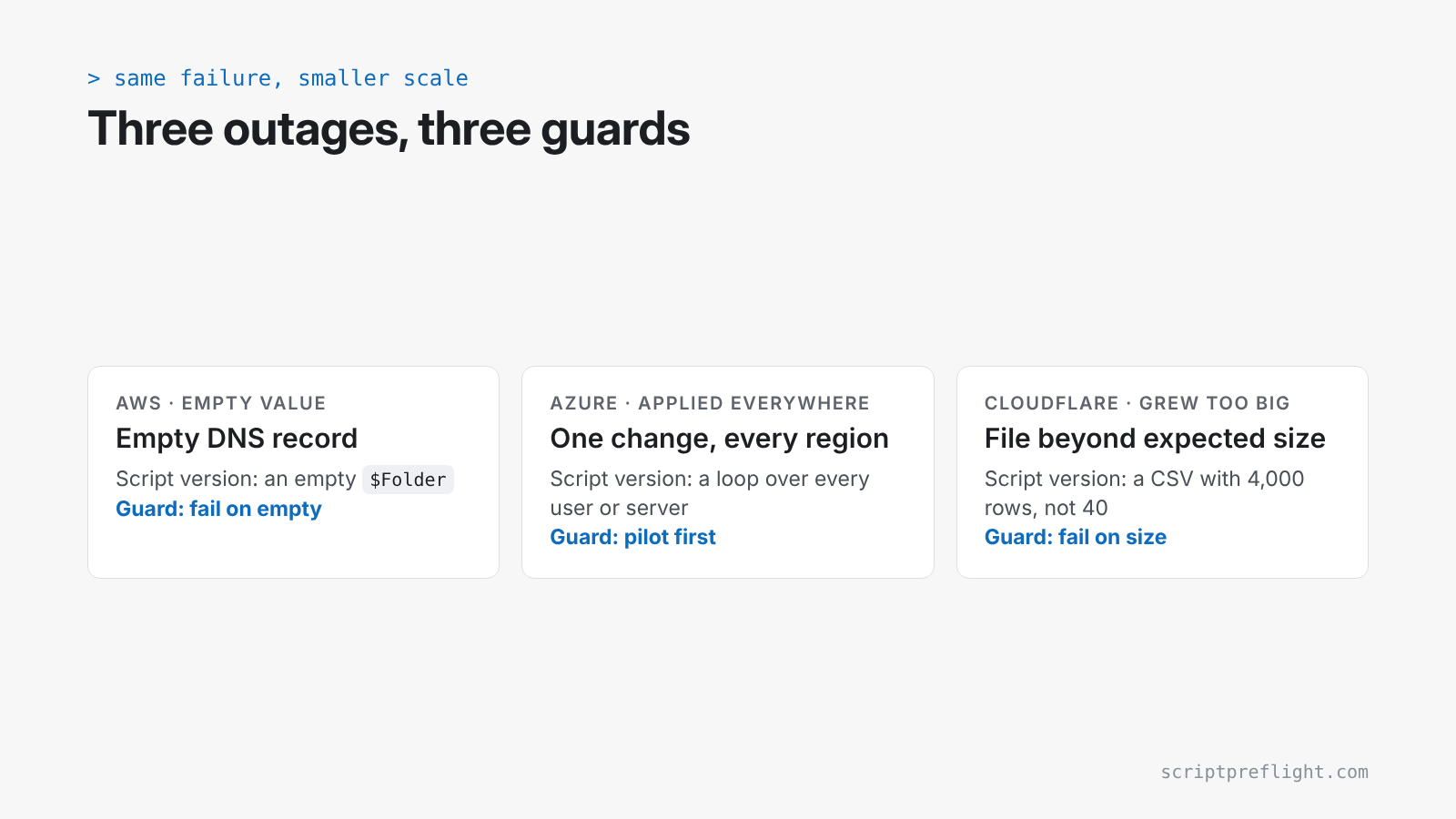
Three checks to steal
- Fail on empty. Any value that feeds a path, a filter or an identity gets checked before use.
- Fail on size. Any input from a file or a query gets a count check against what you expect.
- Pilot before global. Anything that touches many objects runs on a small set first.
These cost a few lines each. ScriptPreflight helps with the reach side of this: it shows how far a script can reach and lets you compare that with the count you expected. Where a change depends on a value from a file or a variable it can't trace, the report says so and won't call the script clean. The checks above are still worth having in the script itself, whoever reviews it.