DELETE without a WHERE clause, delivered by PowerShell
Shaun Hardneck · · 2 min read
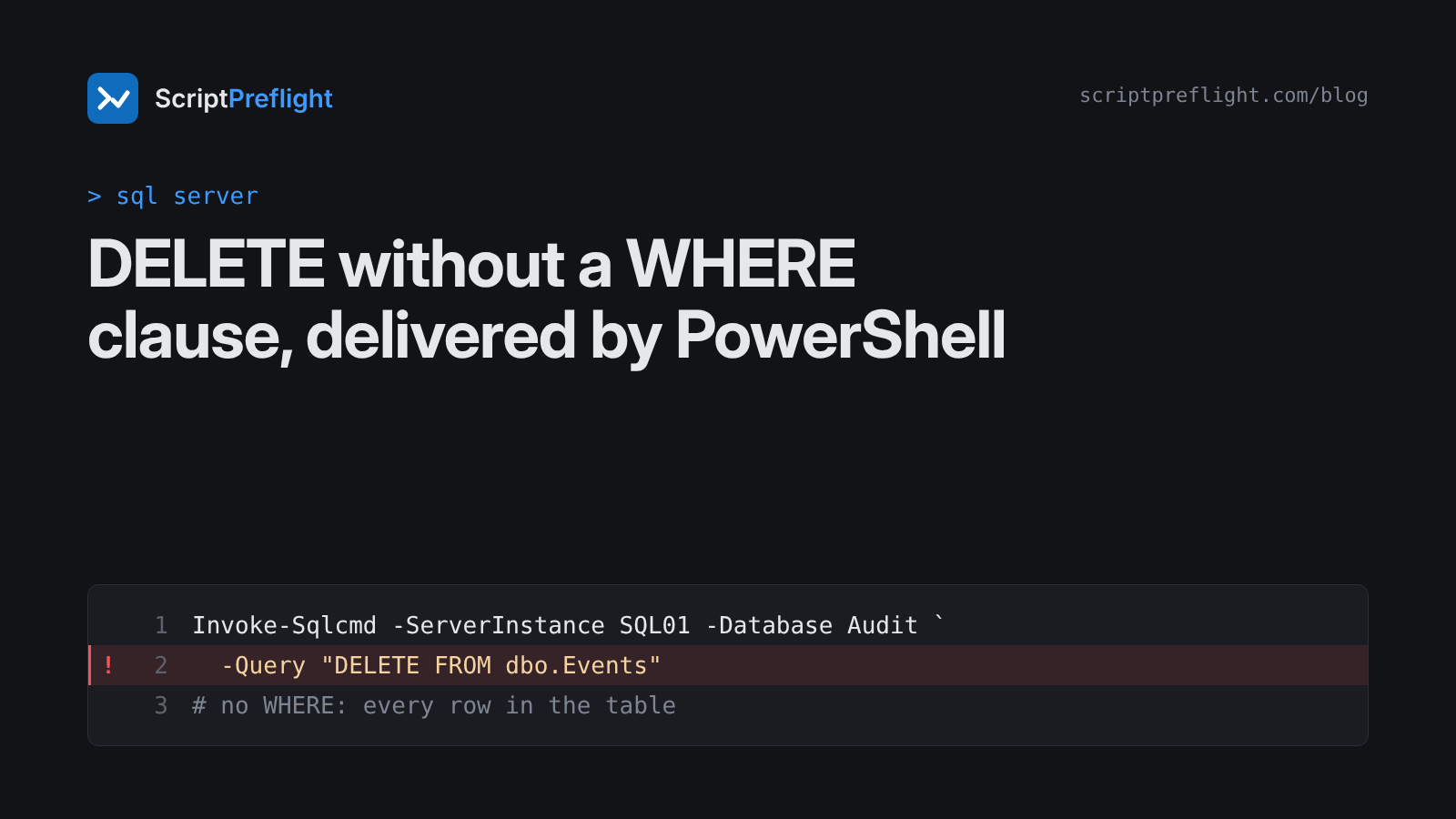
Database clean-ups are often wrapped in PowerShell so they can be scheduled:
Invoke-Sqlcmd -ServerInstance SQL01 -Database Audit -Query "DELETE FROM dbo.Events"The intent was "remove the old events". The statement removes every row in the table. There's no WHERE clause, so there's no limit.
Why this one is worse than most
- No preview.
Invoke-Sqlcmdhas no-WhatIf. The statement runs the moment the line does. - No undo. Once committed, deleted rows are back only from a restore, and only up to your last backup.
- It hides in strings. To PowerShell, the query is just text. A reviewer skimming the script sees a cmdlet call, not a destructive statement.
The pattern that protects you
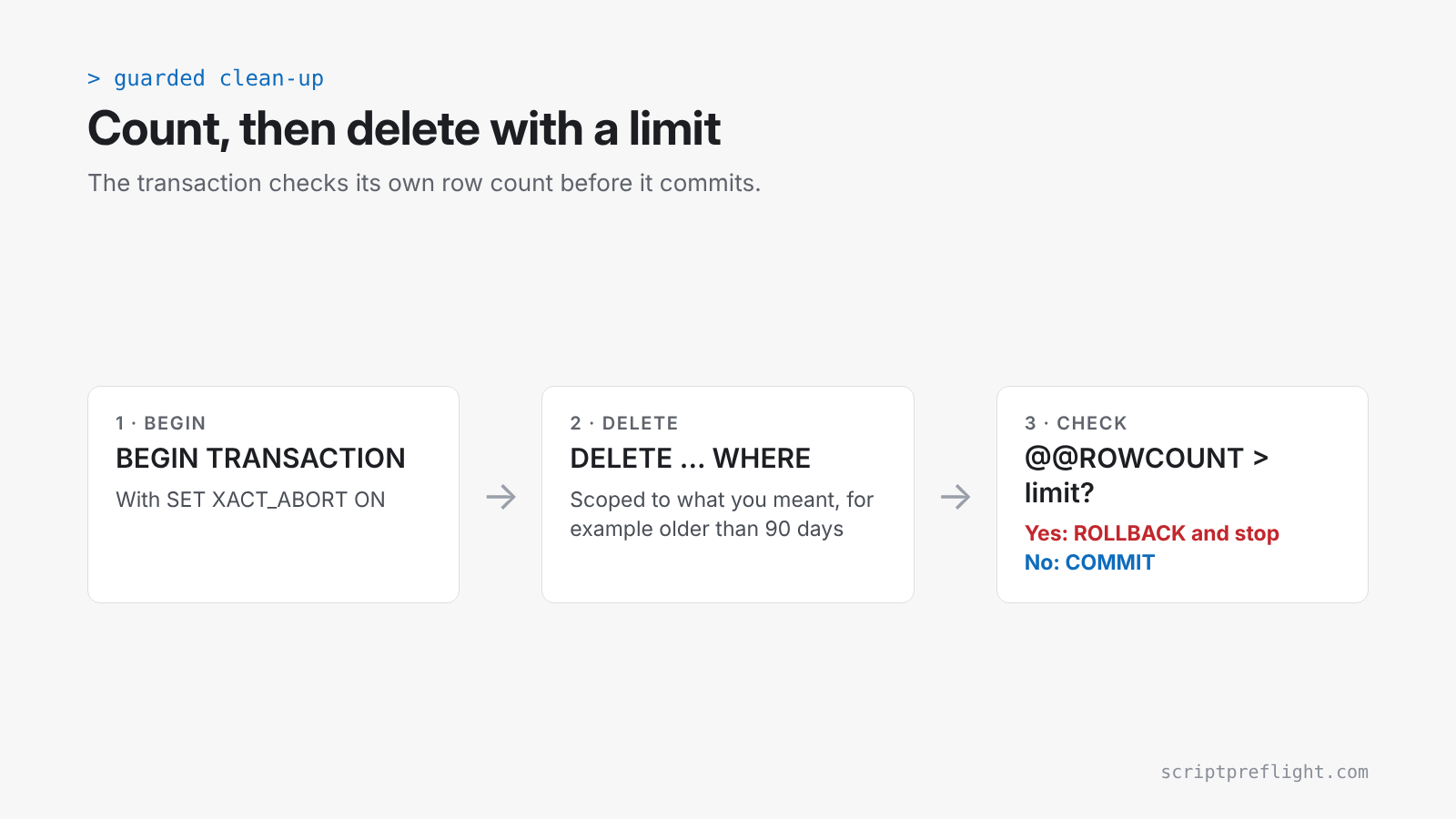
Count first, then delete inside a transaction that checks its own count:
$query = @"
SET XACT_ABORT ON;
BEGIN TRANSACTION;
DELETE FROM dbo.Events WHERE EventDate < DATEADD(day, -90, SYSUTCDATETIME());
IF @@ROWCOUNT > 50000
BEGIN
    ROLLBACK TRANSACTION;
    THROW 50001, 'More rows than expected. Rolled back.', 1;
END
COMMIT TRANSACTION;
"@

Invoke-Sqlcmd -ServerInstance SQL01 -Database Audit -Query $query -ErrorAction Stop
Before that, run the same WHERE clause as a SELECT COUNT(*) and look at the number.
Three more habits:
- Never build the WHERE clause by pasting variables into the string.
"... WHERE Id = $id"is how an empty$idor a quote in the data changes the statement. Validate values first, and prefer stored procedures with typed parameters for anything routine. - Use a login that can only do the job. A clean-up account doesn't need
db_owner. - Know your restore point before you run it, not after.
What a preflight shows
For the unscoped line above, ScriptPreflight reports that it deletes rows with no WHERE clause, reaches every row in the table, and can't be undone, with a High result. It reads the SQL inside the PowerShell string; nothing is run against your database.
ScriptPreflight checks PowerShell today. Standalone .sql files get their own check as T-SQL support passes the same tests PowerShell did. Until then, wrap clean-ups in PowerShell and preflight the wrapper, or use the pattern above everywhere.