Five PowerShell patterns that do far more than they look
Shaun Hardneck · · 2 min read
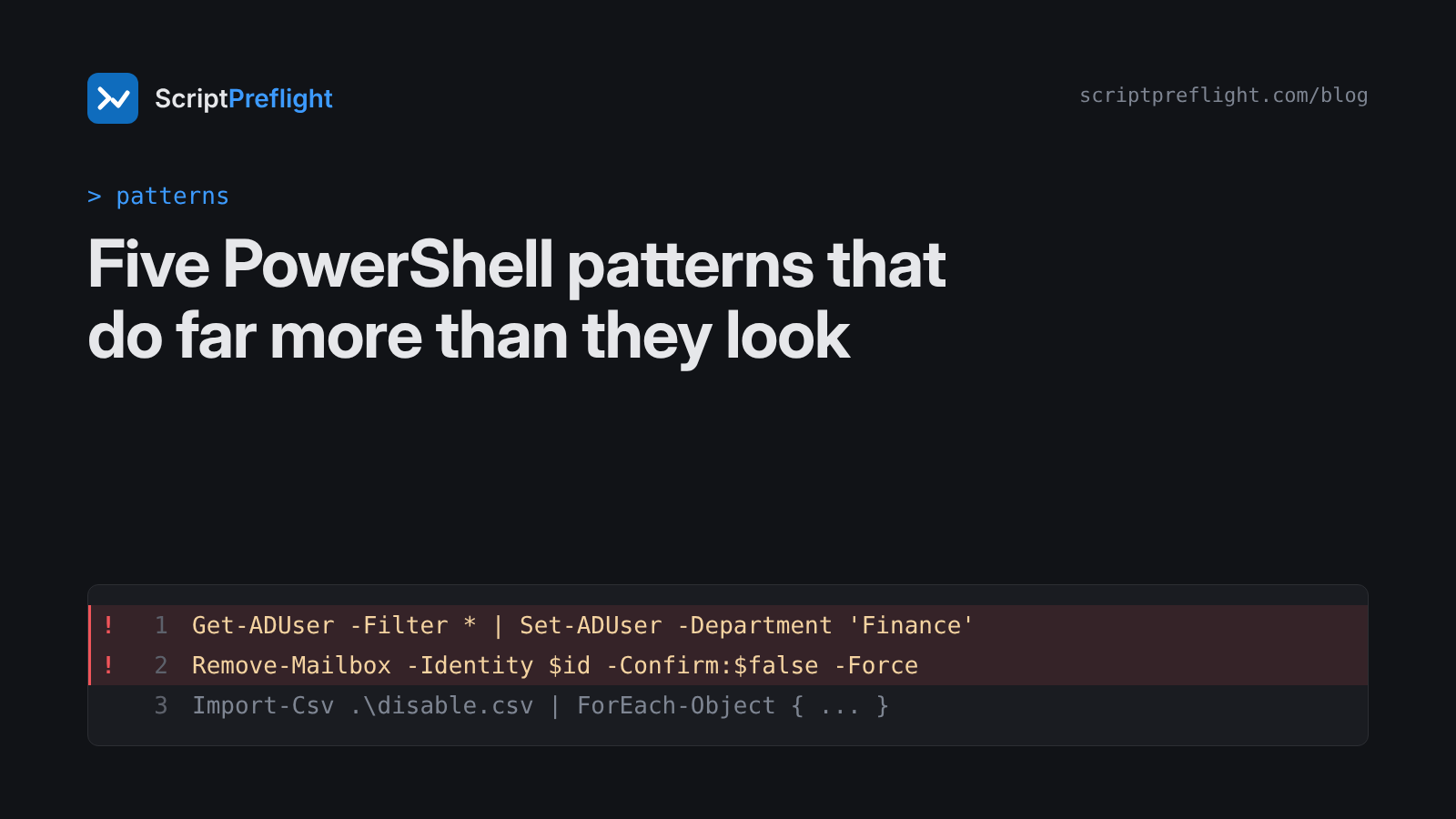
Most outages I've helped clean up didn't start with a bad idea. They started with a reasonable script and one parameter nobody looked at twice. Here are five patterns that do far more than they appear to, and what to write instead.
1. -Filter * fan-out
Get-ADUser -Filter * | Set-ADUser -Department 'Finance'The intent was one team. The reach is every user account in the domain. Make the filter say what you mean, and check the count:
$users = Get-ADUser -Filter "Office -eq 'Cape Town'"
if ($users.Count -gt 25) { throw "Too many users: $($users.Count)" }
$users | Set-ADUser -Department 'Finance' -WhatIf
2. Empty-variable paths
Remove-Item -Path "$LogFolder\*" -Recurse -ForceIf $LogFolder is empty, this targets the root of the current drive. Check every value that builds a path:
if (-not $LogFolder -or -not (Test-Path $LogFolder)) { throw "Bad path: '$LogFolder'" }3. -Force with -Confirm:$false
Remove-Mailbox -Identity $id -Confirm:$false -ForceEach switch is reasonable on its own. Together they remove every chance a person had to stop the change. Keep them for runs you've already previewed, and preview with -WhatIf first.
4. Graph calls with the method in a variable
Invoke-MgGraphRequest -Method $Method -Uri "v1.0/users/$UserId"Is that a GET or a DELETE? Nobody reading the script can tell, and neither can any tool that reads it without running it. Write the method out when you can. When you can't, validate it:
if ($Method -notin 'GET', 'PATCH') { throw "Method not allowed: $Method" }5. A CSV with no row check
Import-Csv .\disable.csv | ForEach-Object { Disable-ADAccount -Identity $_.SamAccountName }The file decides the blast radius, and nobody checked the file. Count it and look at it first:
$rows = Import-Csv .\disable.csv
"$($rows.Count) accounts to disable"
$rows | Select-Object -First 5
if ($rows.Count -gt 20) { throw 'More rows than expected' }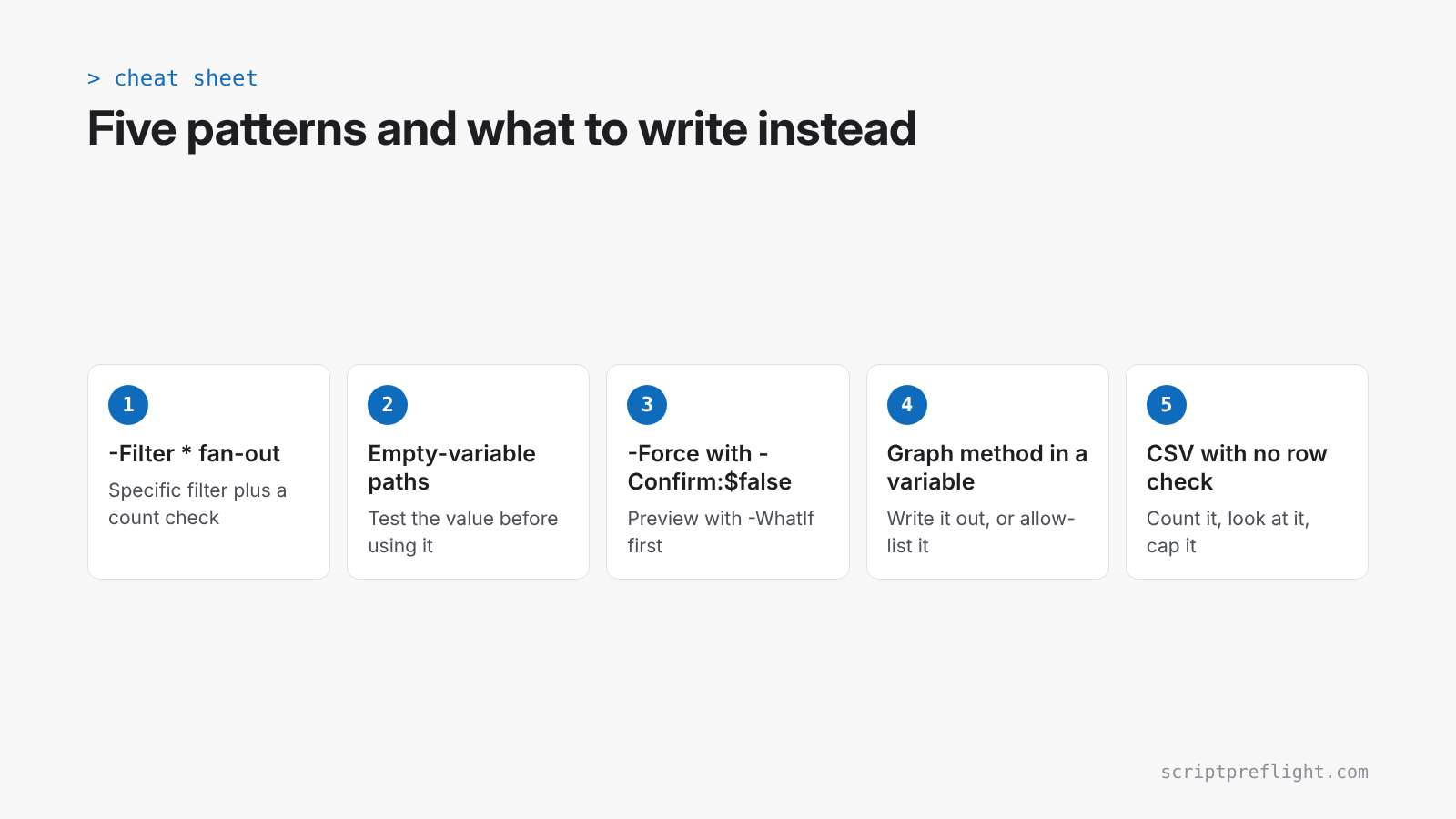
Why these slip through
None of these is a syntax error. Linters are built to find style and correctness problems, not "this reaches 4,000 objects". A chatbot asked "is this fine?" gives you an opinion. What you need is a reading of what the script will change, how far it reaches and whether you can undo it.
That's what ScriptPreflight does. It flags fan-out like pattern 1 and missing error handling. Where a value can't be traced, as in patterns 4 and 5, the report lists it and won't call the script clean. Paste a script you're about to run and see what it says. The first three preflights are free.