The one-liner that restarts every computer in your domain
Shaun Hardneck · · 2 min read
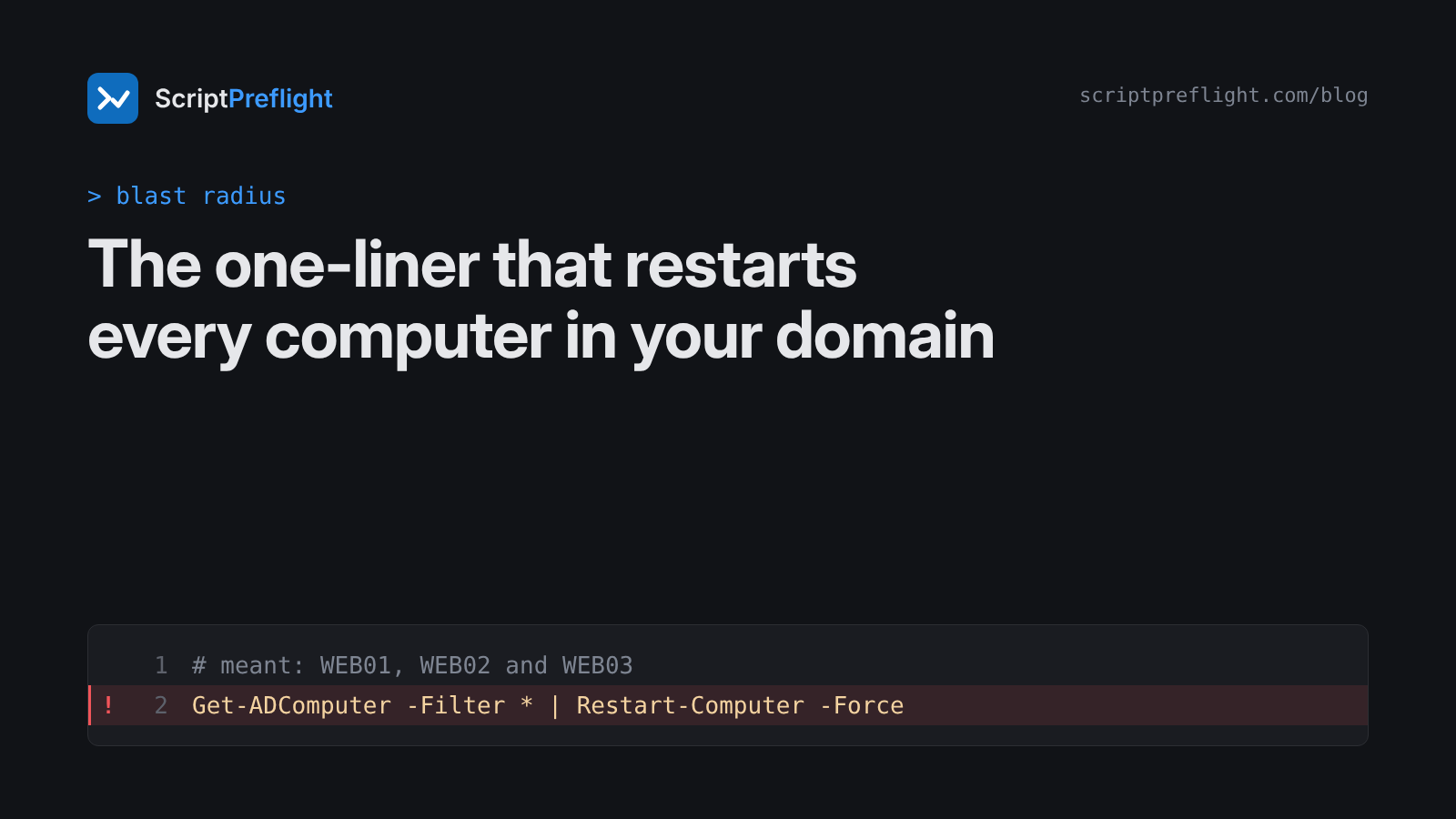
Patch night. Three web servers need a restart. Someone pastes this:
Get-ADComputer -Filter * | Restart-Computer -ForceIt looks like a tidy one-liner. Read it the way PowerShell does.
What each part does
Get-ADComputer -Filter *returns every computer account in the domain: servers, workstations, domain controllers, the lot.-Filter *means "no filter".Restart-Computer -Forcerestarts whatever it is handed, without waiting for users to save their work.-Forcealso removes the last moment someone could have noticed.
The longer version people often write makes the reach obvious:
Get-ADComputer -Filter * | ForEach-Object { Restart-Computer -ComputerName $_.Name -Force }Both say the same thing: restart everything Active Directory knows about.
"But it would only restart the local machine"
You'll hear this argument about the short form. It depends on how PowerShell binds the piped AD objects to Restart-Computer's parameters. That is exactly the kind of detail nobody should be relying on at 23:00 on a patch night. A reviewer can't prove the binding from the text, so the honest reading is the worst case: every computer the filter returns.
We'll be straight about this one. An earlier version of the ScriptPreflight engine read the short form as "local machine only". That was wrong. Version 0.6.2 treats unproven pipeline binding as the full upstream collection and says so in the report. The short form is now a permanent test case. Every miss we find becomes one.
What a preflight reports
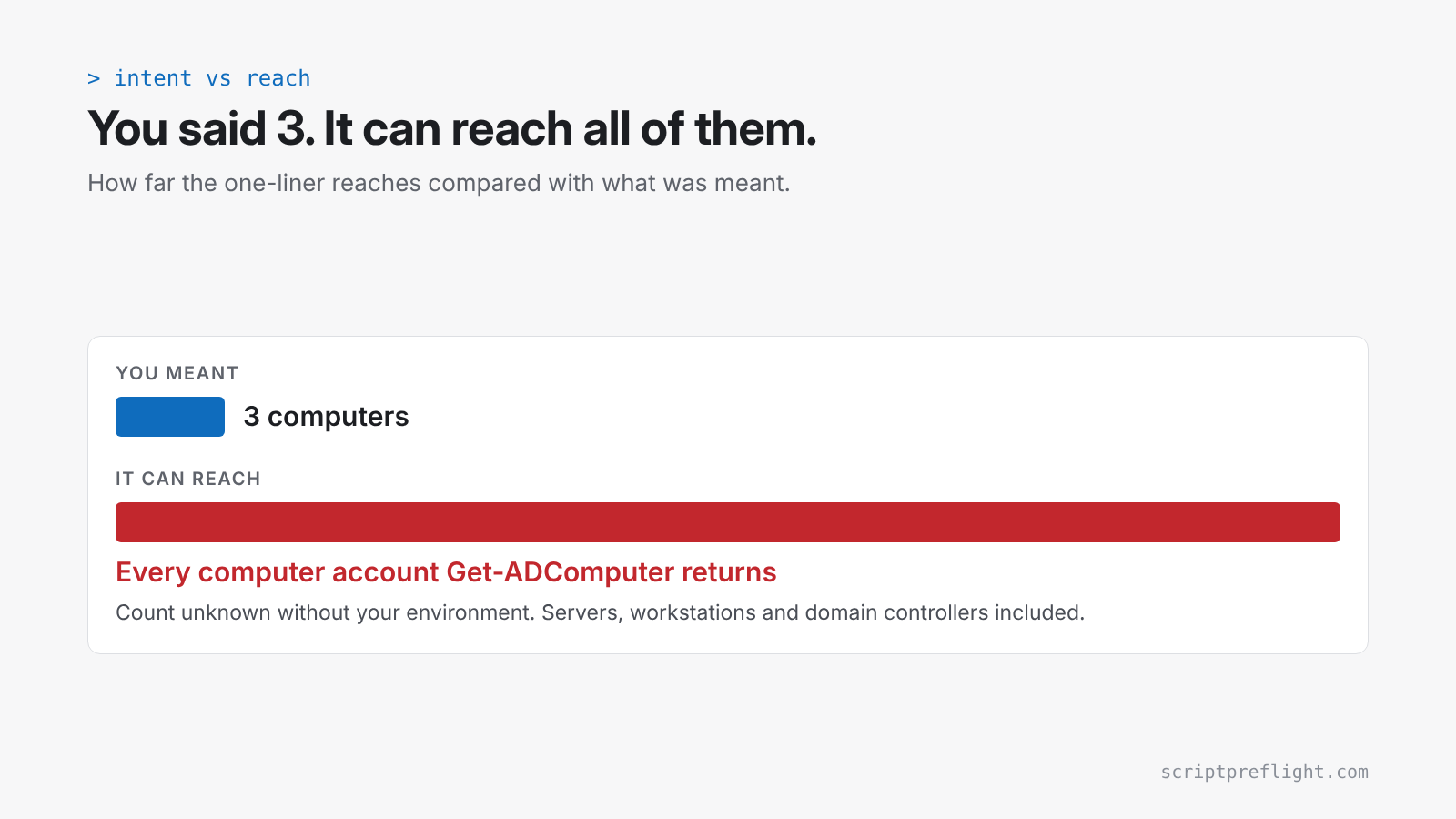
For the short form, ScriptPreflight 0.6.2 reports:
- Result: High risk, do not run as written.
- How far it reaches: every computer account returned by
Get-ADComputer. - Findings: an unfiltered tenant-wide target and every discovered computer restarted (both High), plus no error handling (Medium).
- Can you undo it: conditional. Computers come back after a restart, but open sessions and unsaved work are lost.
- What we could check: partial, with the reason "pipeline binding to -ComputerName not proven".
The version you meant
$servers = 'WEB01', 'WEB02', 'WEB03'
# Add -WhatIf to preview first.
Restart-Computer -ComputerName $servers -Force
Three names, written down, in the script. Run it once with -WhatIf and PowerShell tells you what it would do without doing it. The same engine reads this version as reaching three named remote computers.
If the list has to come from AD, make the filter specific and check the count before acting:
$targets = Get-ADComputer -Filter "Name -like 'WEB0*'"
if ($targets.Count -ne 3) { throw "Expected 3 servers, found $($targets.Count)" }
$targets | ForEach-Object { Restart-Computer -ComputerName $_.DNSHostName -WhatIf }
The habit worth keeping
Before any script that changes things, write down how many objects it should touch. Then check that number against what the script can actually reach. It takes ten seconds and catches the most common way small changes turn into outages.