Your Graph script asks for Directory.ReadWrite.All. It probably needs one permission.
Shaun Hardneck · · 2 min read
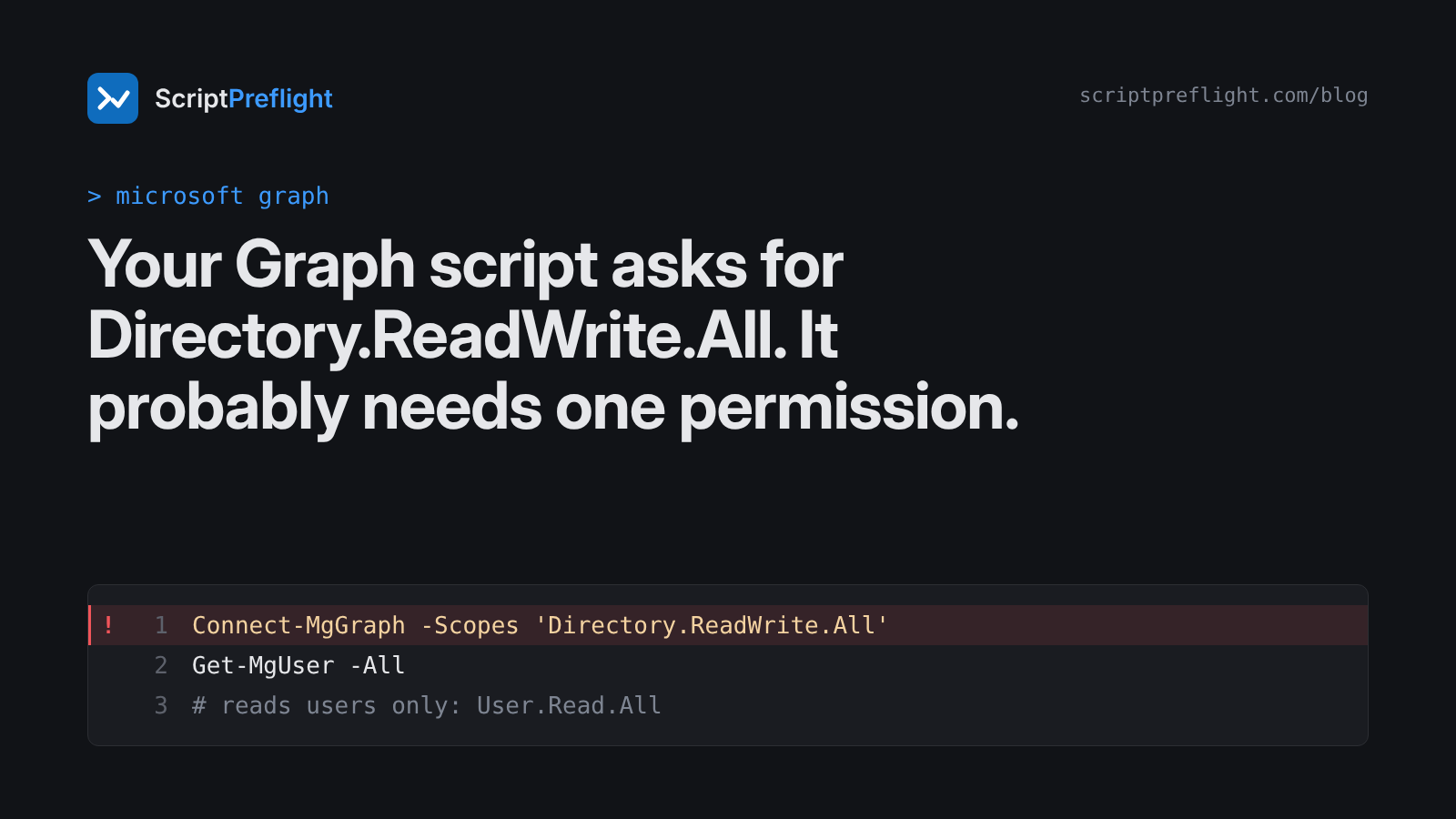
Open almost any Microsoft Graph PowerShell script from a forum or a chatbot and you'll find a line like this near the top:
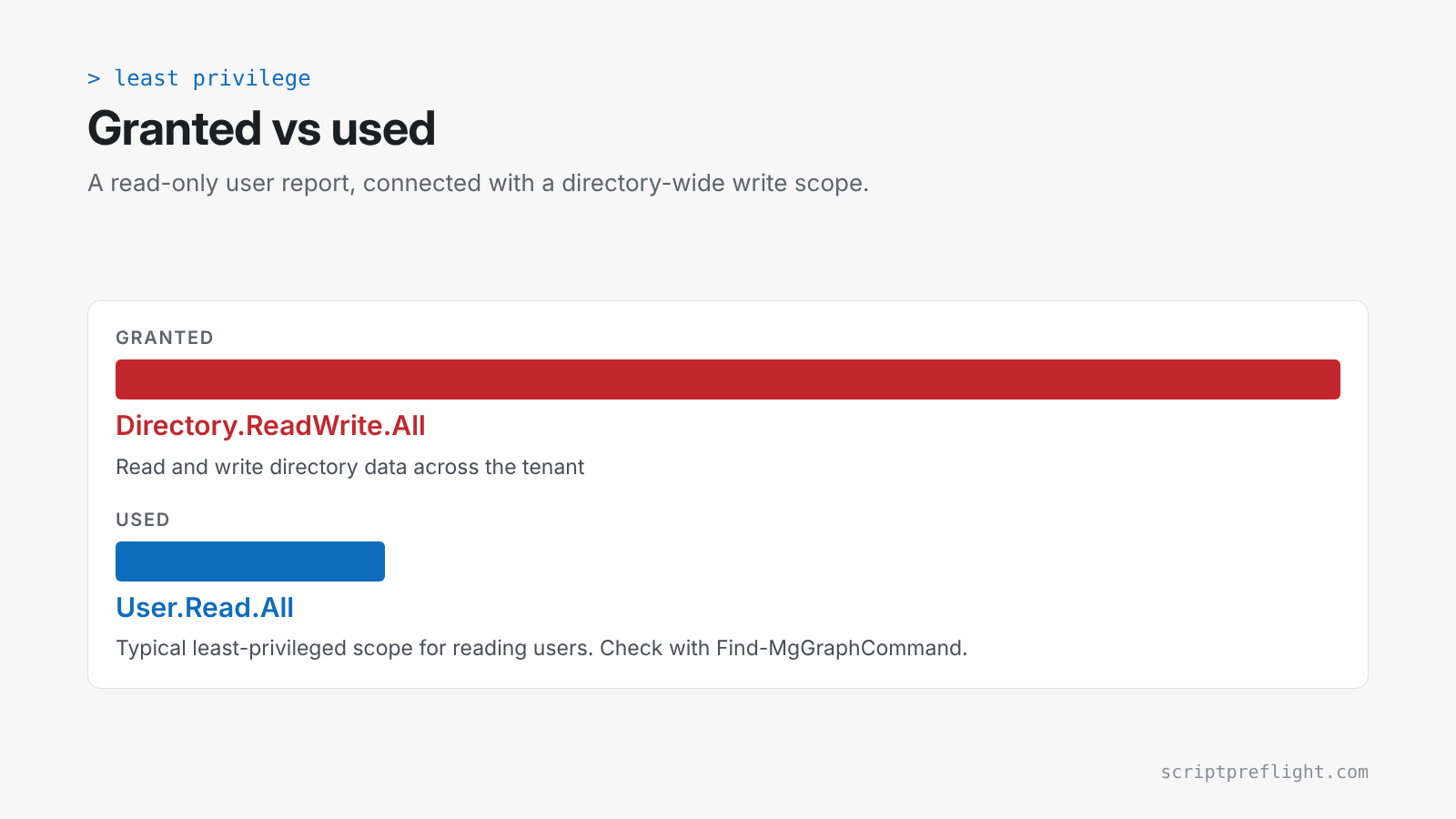
Connect-MgGraph -Scopes 'Directory.ReadWrite.All'It works, which is the problem. Directory.ReadWrite.All covers a large part of your tenant. If the script only reads users, it's asking for far more than it uses. If someone later edits it, or it's run somewhere you didn't plan, all that access comes along.
Why scripts over-ask
- Copy and paste. The scope line travels with the snippet, whatever the snippet does.
- "It failed, so I added more." Every consent error gets fixed by going broader.
- Nobody re-checks. The script changes over months; the scope line doesn't.
Find what a command actually needs
The Graph PowerShell SDK can tell you. For example:
Find-MgGraphCommand -Command Get-MgUser | Select-Object -First 1 -ExpandProperty PermissionsThat lists the permissions for the command, with the least-privileged ones marked. For reading users, that's typically User.Read.All. Updating users typically needs User.ReadWrite.All. Neither needs the directory-wide scope.
Do this for each Graph command in the script, take the smallest set that covers all of them, and put that in Connect-MgGraph.
Review the access before the script runs
The question for a change board isn't only "what does this script do?" It's also "what access does it need to do it, and is that what we're granting?"
ScriptPreflight answers the first part for Microsoft Graph today. It lists the permissions a script's Graph commands need, and you can compare them with the scopes it requests. This is in preview and covers 25 common Graph commands so far. Where a command isn't mapped yet, the report says so rather than guessing. Active Directory, Exchange and Azure mappings are on the way.
A short least-privilege checklist
- One
Connect-MgGraphline per script, with explicit scopes. - Every scope justified by a command in the script.
- No
*.ReadWrite.Allunless the script writes to that area. - Re-check the scopes whenever the script changes.
- For unattended runs, use an app registration with only those application permissions, not a person's account.
Small scopes don't stop a bad script. They limit how far one can reach.