How to read a ScriptPreflight report in 60 seconds
Shaun Hardneck · · 2 min read
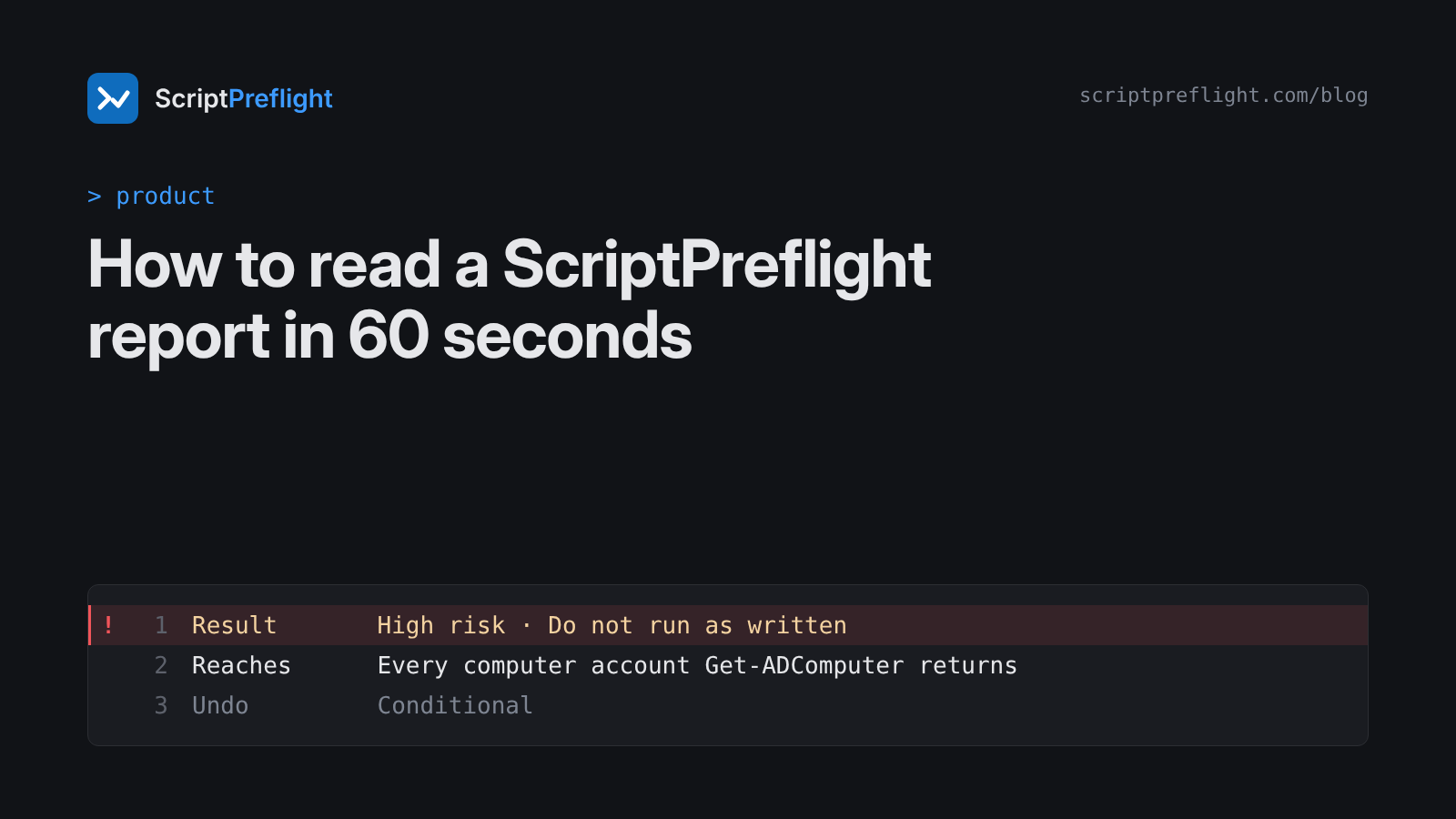
A ScriptPreflight report is built to be read in under a minute by the person about to press Enter, and checked later by whoever approves the change. Here's what each part means, using the sample report for restart-servers.ps1.
1. The result
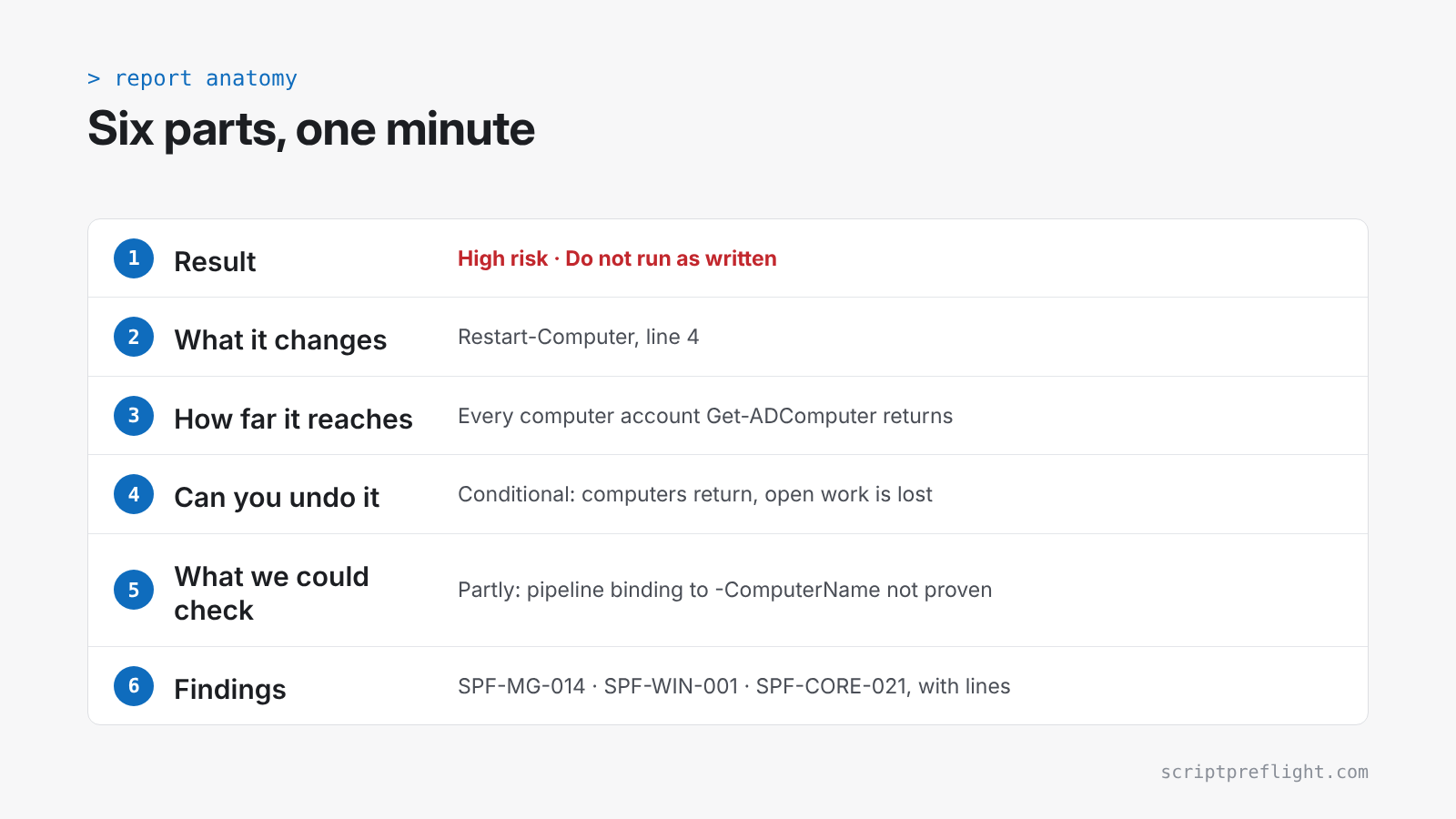
The top line is the decision: for example, "High risk · Do not run as written". It comes from the findings below it, never from a guess.
2. What it changes
Every line that creates, modifies, deletes, restarts, stops or disables something, with its line number. If this list surprises you, stop there.
3. How far it reaches
The scope of each change: one named object, a written list, a filter, or everything a command returns. When you tell ScriptPreflight how many objects the script should touch, the report compares that number with the reach. "You said 3" next to "every computer account Get-ADComputer returns" is exactly the kind of gap this is for.
4. Can you undo it
Each change gets one of these answers:
- Reversible: it can be put back as it was. Disabling an account, for example.
- Conditional: it comes back, but something is lost along the way. A restart returns the machine but not the unsaved work.
- Partly: some of it can be put back, but the previous state wasn't recorded. Resetting folder permissions, for example.
- Irreversible: it can't be undone without a backup. Deleting rows, formatting a volume, purging a mailbox.
- Unknown: the script runs something we can't see, so we won't guess.
The overall answer is the weakest one in the script. One irreversible line makes the whole script irreversible, and the report names that line.
5. What we could check
This box is where we're honest about limits. "Full" means every command was identified and every target traced. "Partly" comes with reasons, such as:
- a command we don't recognise yet;
- a value a change depends on that we can't trace;
- code built or downloaded at run time;
- permissions we don't map yet for that platform.
A gap that could hide a change, like an unknown command or code built at run time, means the script is never called clean. That's deliberate: a clean result you can't trust is worse than no result.
6. Findings
Each finding has a severity, a rule ID like SPF-MG-014, the exact lines, why it matters and what to do instead. Rule IDs and the engine version are on every report, so a result can be traced back to the rule that produced it.
7. The PDF
Paid plans can export the report as a PDF with a sign-off block (reviewed by, approved by, change reference) for the change ticket. It states on every page that the script was read as text and never run.
Want to see one? Open the sample report, or paste a script you're about to run. The first three preflights are free.