The script is going to 500 endpoints. Read it first.
Shaun Hardneck · · 2 min read
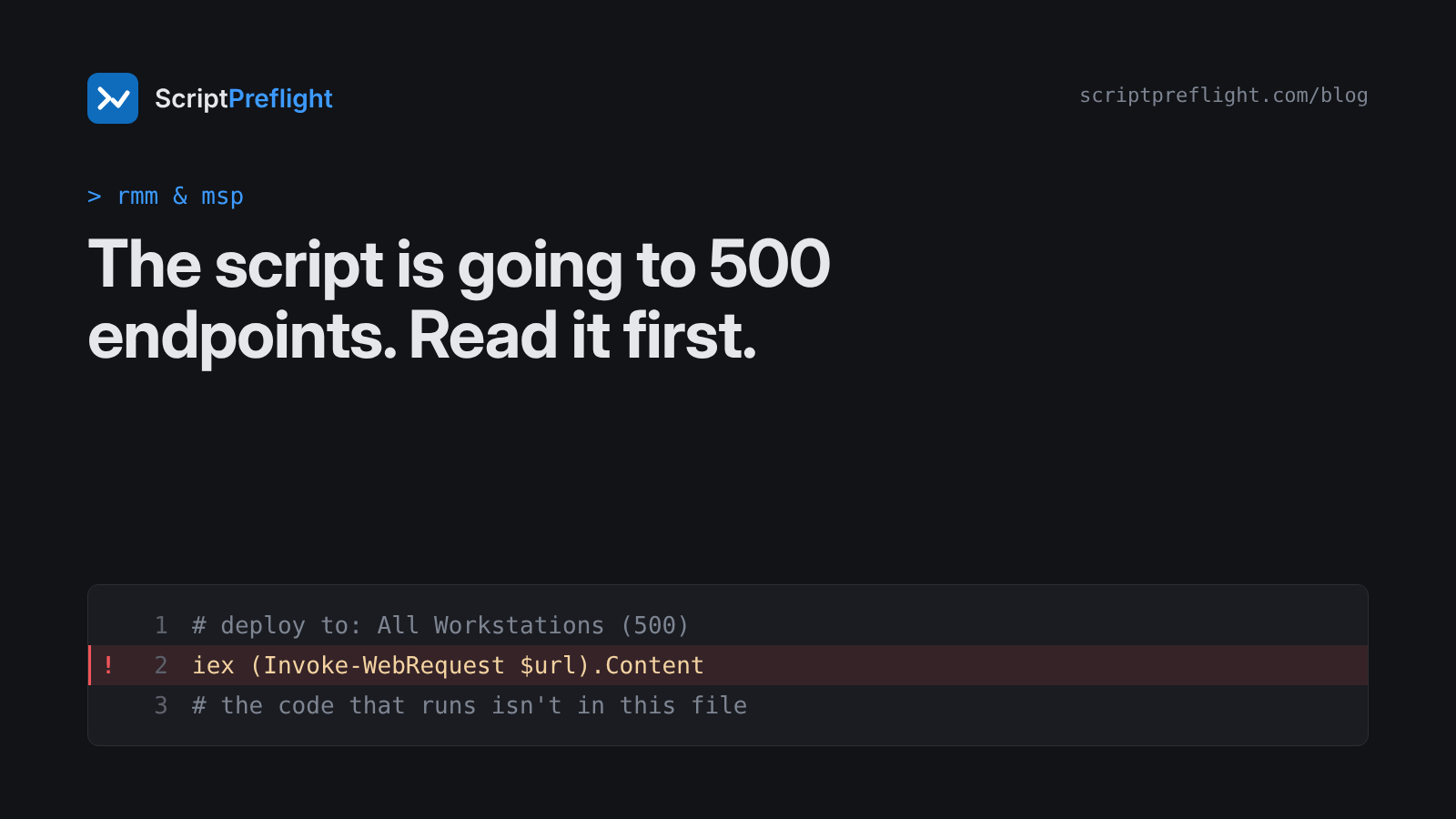
MSPs and internal IT teams have the same superpower and the same risk: one click sends a script to every endpoint. Most of those scripts were written by someone else, and many haven't been read by the person clicking.
Where these scripts come from
- A vendor's support article, or their tool's built-in library.
- An RMM community library.
- A forum answer that "fixed it for me".
- A colleague's share from three years ago.
- An AI assistant, two minutes ago.
None of these is bad in itself. All of them are code you're about to run with high privileges on hundreds of machines.
A ten-minute routine
1. Pin the exact version. Save the script you reviewed and record its hash. Push that file, not "the latest" from a URL.
Get-FileHash .\Clear-TeamsCache.ps1 -Algorithm SHA2562. Read what it changes. List every line that deletes, stops, restarts, uninstalls, changes the registry or touches accounts. If you can't say what a line does, that's the finding.
3. Look for code that arrives later. These mean the script you reviewed isn't the whole script:
Invoke-Expressionoriex;Invoke-WebRequestorInvoke-RestMethodfeeding into anything that runs;-EncodedCommand;- downloads followed by
Start-Process.
4. Check its reach on one machine. Paths built from variables, wildcards in deletes, Get-ChildItem -Recurse piped into Remove-Item. A cache clean-up should touch a cache folder, not a profile.
5. Check the signature, if there is one.
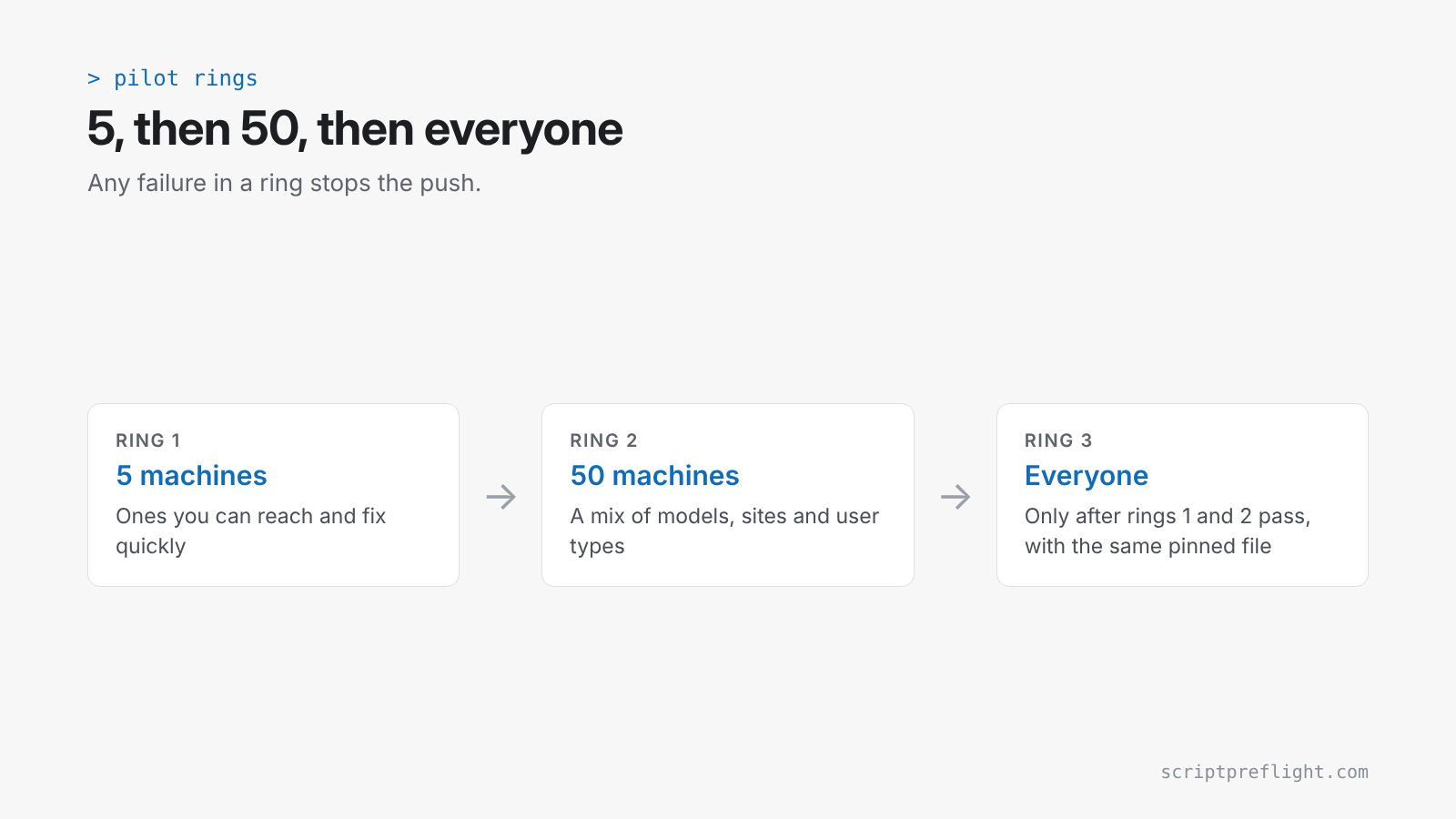
Get-AuthenticodeSignature .\Clear-TeamsCache.ps16. Pilot ring first. Five machines you can reach, then 50, then everyone. Have a stop condition: any failure in the pilot halts the push.
Make the review the default, not the exception
The routine fails when it depends on someone remembering. Two ways to make it stick:
- No hash, no push. Only scripts with a recorded, reviewed hash go into the deployment library.
- Evidence with the change. Attach the review to the ticket, so the next person can see what was checked.
ScriptPreflight covers steps 2 to 4 for PowerShell in under a minute and gives you a report with rule IDs and engine versions you can attach to the change. Where the script builds or downloads code at run time, it says so and won't call the script clean. It never runs the script, which matters when the script is the thing you're unsure about.