-WhatIf is not a dry run for everything
Shaun Hardneck · · 2 min read
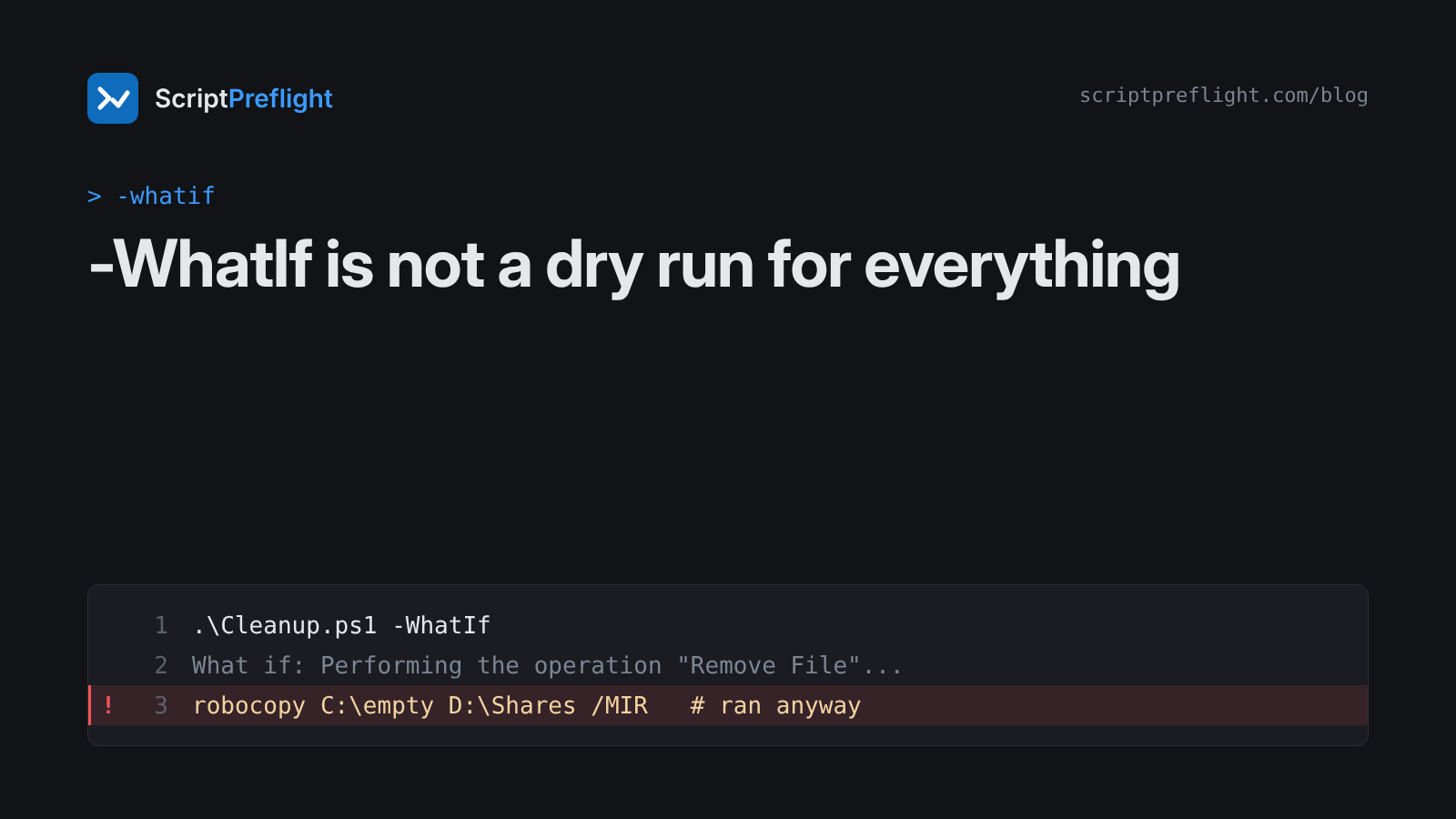
-WhatIf is the best habit in PowerShell. It's also the most misunderstood. People run a script with -WhatIf, see a tidy list of "What if:" lines, and assume nothing else happened. That's only true if every command in the script honours it.
Where -WhatIf comes from
A cmdlet or advanced function gets -WhatIf and -Confirm when it declares SupportsShouldProcess. Microsoft's docs describe -WhatIf as listing "the changes that the command would make, instead of running the command". It works per command. There's no switch that freezes a whole script.
What it doesn't cover
- Functions that don't declare it. A home-grown
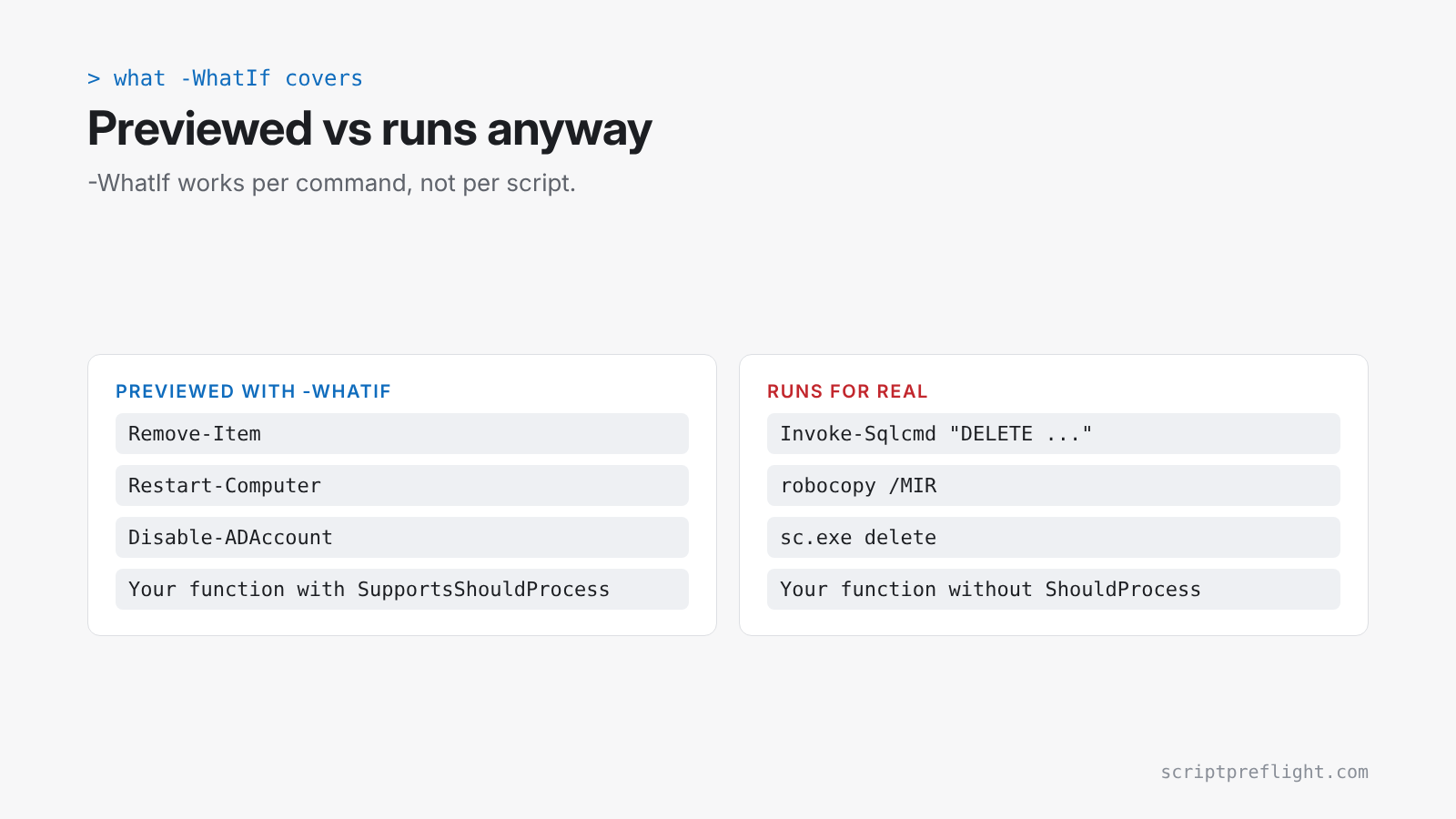
Remove-OldProfilesfunction withoutSupportsShouldProcesshas no real-WhatIf. Depending on how it's written, passing one either fails or is quietly ignored. Call it from a script you ran with-WhatIfand it does its work for real. - Commands without it.
Invoke-Sqlcmdhas no-WhatIf, so aDELETEinside it runs. - Native programs.
robocopy /MIR,sc.exe deleteandnet user /deletehave never heard of-WhatIf. - Code inside your own function. Even Microsoft's ShouldProcess guide advises against trusting that calls inside a function inherit
-WhatIf. It passes it explicitly with-WhatIf:$WhatIfPreference.
Build a preview that covers the script
Give the script a switch and make doing nothing the default:
[CmdletBinding()]
param([switch]$Apply)

$targets = Import-Csv .\targets.csv
"$($targets.Count) targets"

foreach ($t in $targets) {
    if ($Apply) {
        Disable-ADAccount -Identity $t.SamAccountName -ErrorAction Stop
    } else {
        "Would disable $($t.SamAccountName)"
    }
}
Running it without -Apply is now a real preview, including the parts -WhatIf can't see. For your own functions, declare SupportsShouldProcess and wrap each change in if ($PSCmdlet.ShouldProcess($target)) { ... }. PSScriptAnalyzer flags state-changing functions that don't.
Where a preflight fits
-WhatIf asks the script what it would do, so it has to run the script to find out. A preflight reads the script as text and never runs it, so it also sees the lines -WhatIf would have let through: the native program, the SQL statement, the function without ShouldProcess. Use both. Preflight before the first run, then -WhatIf or your own preview mode on a pilot.