Bicep files: now checked
Shaun Hardneck · · 3 min read
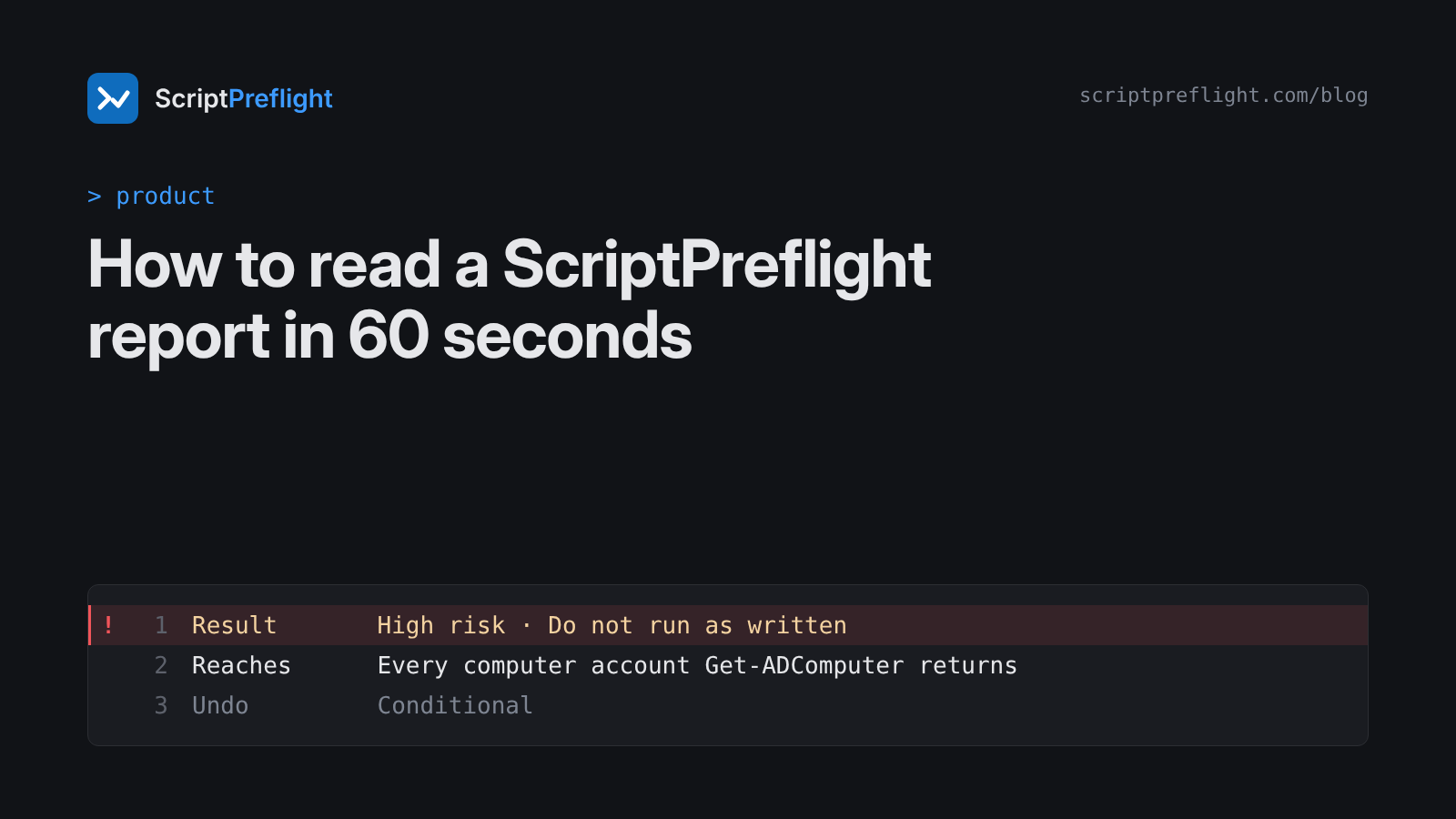
ScriptPreflight now checks Bicep files. Paste or upload a .bicep file, or choose Bicep in the language menu, and you get the same report as for a script: what the file changes when it is deployed, how far it reaches, whether it can be undone, and every finding with its rule ID and the Bicep line it comes from.
Bicep is how a lot of Azure infrastructure is written now. A file looks short and declarative, but one deployment can open a storage account to the internet, give a pipeline identity Owner on a subscription, or replace who can read every secret in a Key Vault. Reviewers often read the Bicep, not the template it turns into.
How a Bicep file is checked
The file is compiled with the official Bicep CLI, pinned to one release, with no module restore, no network and no Azure credentials. It is never deployed, validated against Azure or run through what-if. The template the compiler produces is checked with the same ARM rules as an ARM JSON template, and every finding is mapped back to the Bicep line that produced the value.
On top of the ARM rules, Bicep checks read the source itself:
- Existing resources: child resources, role assignments, locks and Key Vault access policies deployed onto a resource declared with
existing, which is usually live production - Target scope: files that deploy at subscription, management group or tenant scope, which raises role assignments and policy changes to that reach
- Deployment mode: a parameter, variable or argument in the file that names Complete mode, which deletes every resource the file does not list
- Secrets:
@secure()parameters with a literal default, outputs that return secrets, and secret-named parameters without@secure() - Role assignments at high scope, deployment scripts (inline Azure CLI and Azure PowerShell are checked by the Bash and PowerShell rules), and Microsoft Graph extension resources such as tenant-wide consent grants
The ARM rules cover public network access, inbound rules open to the internet, locks, high-privilege roles, soft delete and purge protection, TLS and HTTPS settings, and credentials written into the template.
How we decided it was ready
A new language is switched on only after it passes a sealed evaluation: files written separately from the rules, kept closed while the rules were built, and scored once. Bicep took six rounds and five private validation sets before the sealed set was scored. The set that passed held 70 dangerous files, 70 benign files and 8 files that should be refused:
- 0 dangerous files called clean
- Critical and High recall 100%
- Critical and High precision 95.7% raw, and 100% with 2 label conflicts excluded, pending independent review
- a useful result on 97.1% of the benign files
- all 8 out-of-scope files refused
The two label conflicts are files labelled below High where a value the rules assess is not decided in the file, so the engine rates it at its worst plausible value. No benign file was rated High or above. Two benign files, and two dangerous files labelled Low, were reported as not assessed rather than given a result; none of them was called clean.
The coverage page lists every category, the compiler version and what a report cannot see.
What it cannot see
ScriptPreflight reads what is in the file you submit. Modules from a registry, a template spec or another local file are never restored or read, so a file that uses them is reported with Partial coverage, and only the parameters and scope passed to the module are checked. Parameters with no default, module outputs, live resource properties and deployment-time functions such as resourceGroup() are not decided by the file, so they also make coverage Partial. Very deep nesting, long loops and resource types the compiler does not know are analyser limits, reported the same way. None of these is ever reported as clean.
It never connects to your subscription, so it can't know whether an existing resource is there, what a resource group already holds or which roles are already assigned. The report says so.
A clean report means no known issue in what we could check, not a promise that nothing can go wrong. Keep your review, your what-if and your change window.
Try it on the next Bicep file you're about to deploy. The free trial includes three preflights, no card required.