coming soon
ScriptPreflight Gate. Coming soon.
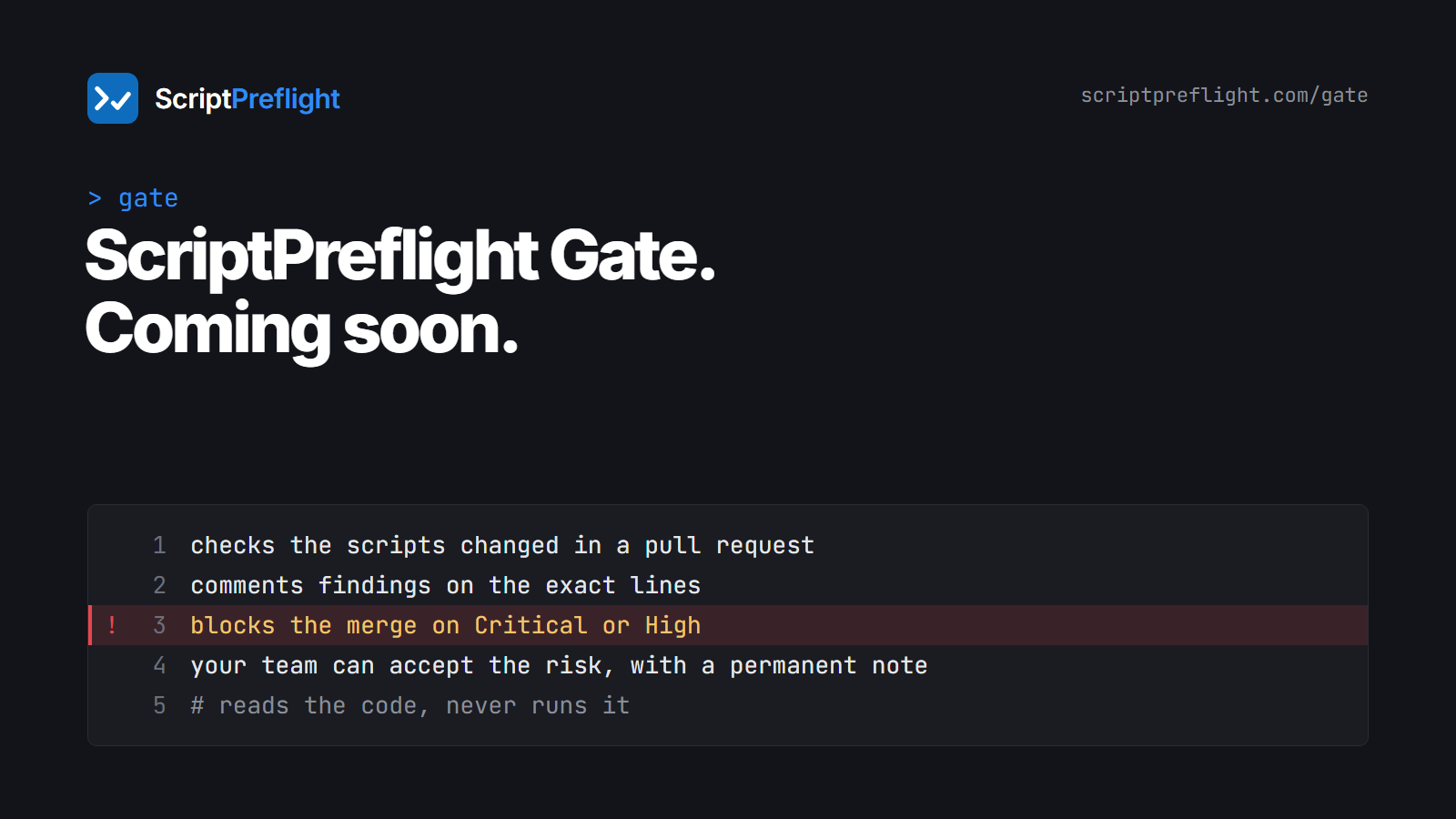
Checks the scripts changed in a pull request before merge. It comments findings on the exact lines, blocks the merge on Critical or High, and lets your team accept the risk with a permanent note.
GitHub first, Azure DevOps next.
What it does
Checks the changed scripts
When a pull request changes an admin script or config, the Gate checks those files before anyone merges.
Comments on the exact lines
One summary comment on the pull request, kept up to date, plus a comment on each line with a finding.
Blocks on Critical or High
The check fails on a Critical or High finding. With branch protection on, the merge waits for a fix or a decision.
Your team decides
Anyone who can write to the repository can accept the risk and go ahead. The acceptance leaves a permanent note on the pull request with our findings and recommendations.
Reads the code, never runs it
The Gate reads the changed files the way a preflight does. Nothing in your scripts is run.
No access to your repos
You add the step to your own pipeline. ScriptPreflight holds no access to your repositories.
GitHub first, Azure DevOps next
GitHub Actions comes first. Azure Pipelines follows.
What it looks like on a pull request
Example A mock of a coming feature, built from a synthetic script. It is not a real customer, repository or report.
Request early access
Tell us where your scripts live and roughly how many repositories hold them. We will email you when early access opens for your platform.
GitHub first, Azure DevOps next.