How ScriptPreflight checks Conditional Access policies before you turn them on
Shaun Hardneck · · 3 min read
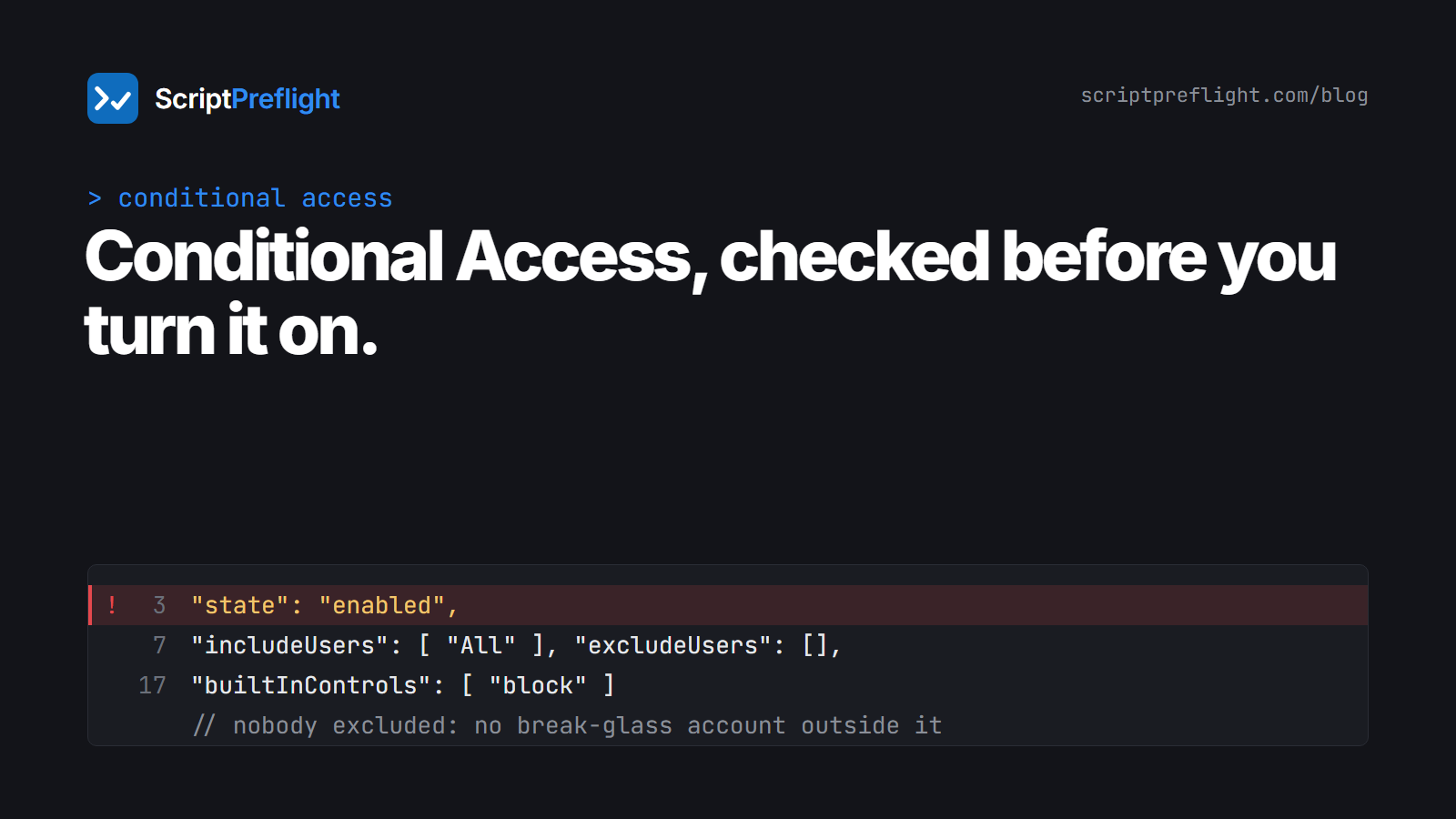
Most Conditional Access changes start as JSON. You export a policy from one tenant, copy one from a baseline in a repository, or let a script or an AI assistant write it, then import it with Microsoft Graph or a pipeline. The file is short, the change is tenant-wide, and one wrong value can block every sign-in, including yours.
ScriptPreflight reads Conditional Access policy JSON as text and tells you what it would do before you enable it. It never connects to your tenant and never imports, enables or tests the policy.
How it knows what it is reading
The type is detected from the shape of the file, not from its name, and the report names the type it detected before it applies the Conditional Access rules. Display names and descriptions never change a result, so a policy called "Report only" whose state is enabled is treated as enforced.
What it looks for
Seven rules cover the mistakes that hurt most:
- Enforcement state. Whether the policy is enforced, report-only or disabled. Report-only and disabled policies block nobody, so the rules below are about enforced policies.
- Block for all users and all apps. An enforced block on every user and every app with no user or group excluded. This is the policy that locks out a whole tenant.
- No break-glass exclusion. An enforced policy that blocks or requires a control for all users, or for directory roles, with nobody excluded. Without an emergency access account outside the policy, a mistake in it leaves no way back in.
- Block grant control. A block on an enforced policy, rated lower only when both the users and the apps are specific and an exclusion exists.
- Administrator roles targeted. Directory roles such as Global Administrator included in an enforced block or restriction with no exclusion.
- Legacy authentication left open. An MFA policy for everyone that is limited to modern clients, so older protocols that can't do MFA stay outside every control.
- Workload identities blocked. A block that applies to service principals, which can stop the automation your tenant depends on.
Every finding carries its rule ID and the line in the file, so you can see exactly which value caused it.
Can you undo it?
Most configuration changes can be reversed by editing the policy again. A Conditional Access policy that blocks every administrator is different: once it locks you out, you can't sign in to fix it. When a policy can do that, the report's reversibility reads Hard to undo, with the reason: it can lock out every admin, including you, and recovery needs a break-glass account.
An example in words
Our daily production check sends a synthetic policy through the live service: block every user from every app, state enabled, nobody excluded. It is rated Critical. The same file with the state set to report-only comes back with no known issue, because a report-only policy only logs what it would have done.
That is also the order Microsoft recommends for new policies: report-only first, read the sign-in logs, then enforce.
What it can't see
The check reads the file, not your tenant. It doesn't know who is in an excluded group, whether your break-glass account still exists, which named locations are defined or how many people a policy will reach. An excluded group that is empty still counts as an exclusion in the file, so check it in Entra before you rely on it.
A report with no findings means no known issue in what we could check, not a promise that the policy is right for your tenant. Keep a tested emergency access account, start in report-only and enable the policy in a change window.
Paste the next policy you're about to import. The free trial includes three preflights, no card required.