Copilot writes the script. ScriptPreflight checks it before it runs.
Shaun Hardneck · · 3 min read
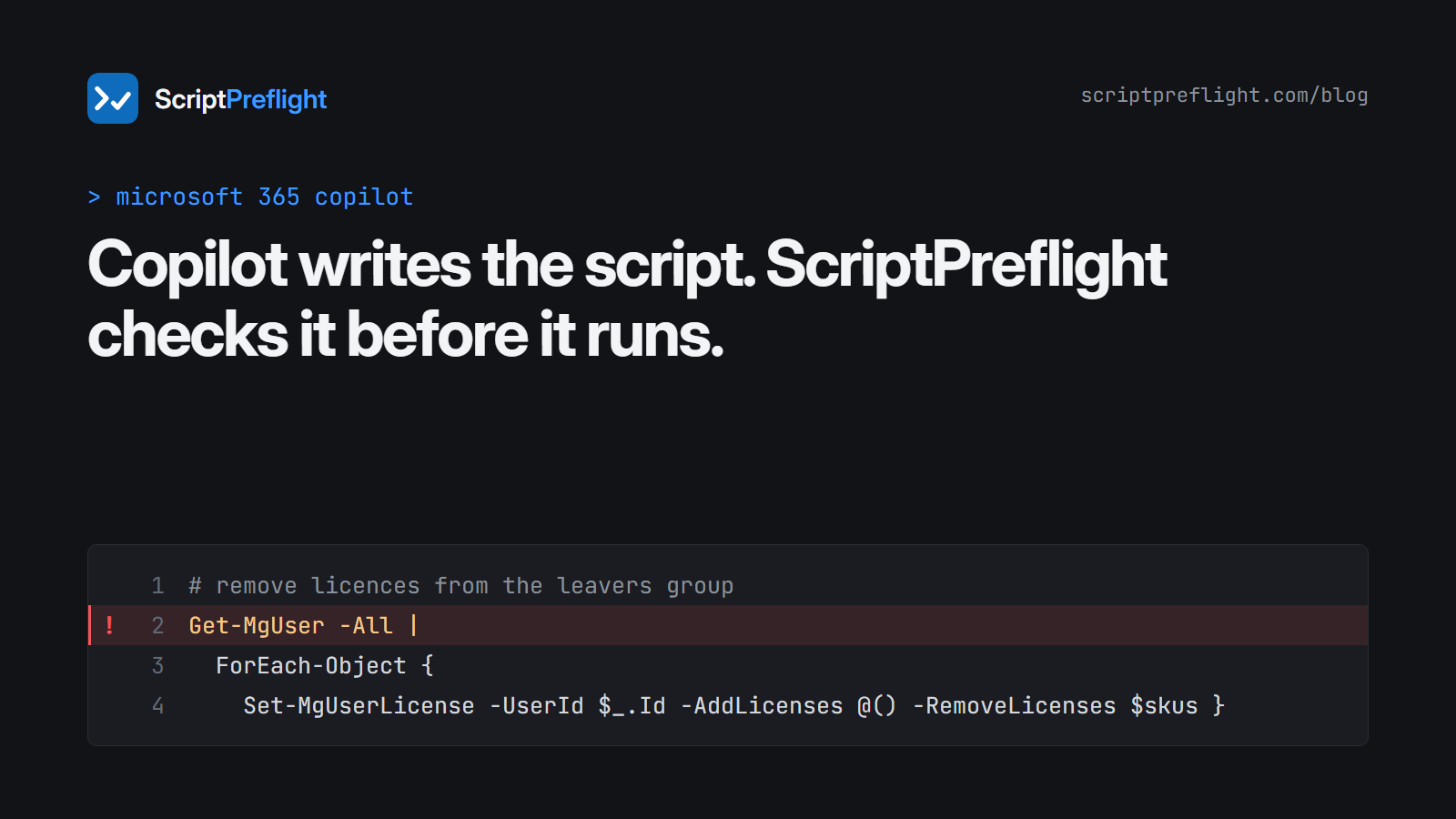
AI assistants write a lot of admin scripts now. A request like "remove the licences from everyone in the leavers group" turns into twenty lines of PowerShell in a few seconds. The script usually looks reasonable, and that's the problem: nobody reads it line by line before pressing Enter, and the one line that matters is the filter.
ScriptPreflight was built for that gap. It reads a script as text and tells you what it will change, how far it reaches and whether you can undo it. It never runs the script. Now it's also available inside Microsoft 365 Copilot, as an agent.
The ScriptPreflight agent
The agent is a declarative agent for Microsoft 365 Copilot. When you ask it to check a script, Copilot sends the script to ScriptPreflight and shows you what our engine returns. It works with the same engine, the same rules and the same languages as the web app: PowerShell and SQL Server T-SQL today.
What a user does
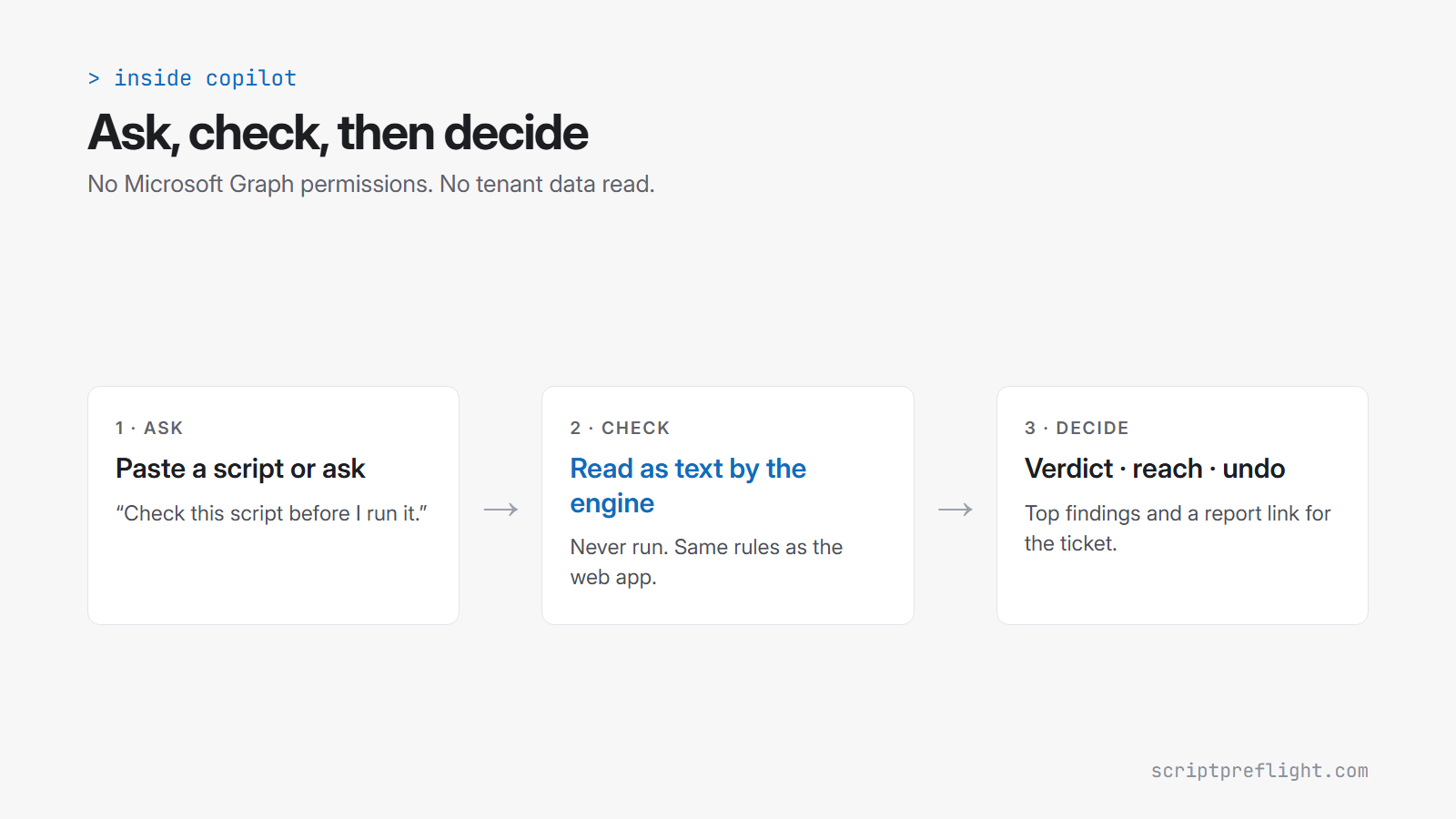
Open the agent in Copilot and either paste a script or ask, for example "Check this PowerShell script before I run it." You get back:
- the verdict: the risk band from the engine, with the coverage it was based on,
- how far it reaches: one named object, a filtered set, or every match in the tenant or database,
- whether it can be undone: reversible, reversible with conditions, or not,
- the top findings, each with its rule ID, severity and line numbers,
- a link to the full report on scriptpreflight.com, for the change ticket.
The first time, you sign in with your work account and confirm a one-time link on scriptpreflight.com, which connects Copilot to your ScriptPreflight workspace.
What admins control
- Who gets it. Like every agent, ScriptPreflight appears in Integrated apps in the Microsoft 365 admin center, where you decide whether it is allowed and for which users.
- No Microsoft Graph permissions. The agent asks for none. Sign-in only identifies the user to ScriptPreflight.
- No tenant data read. It doesn't read mail, files, Teams or SharePoint. The only thing it sends to ScriptPreflight is the script and the request the user gives it.
Licensing in plain words
Your users need Microsoft 365 Copilot to use agents in Copilot. The checks themselves are covered by your ScriptPreflight plan: a preflight from Copilot counts against the same allowance as one on the web, and the free trial's three preflights work there too.
Privacy
When you ask the agent to check a script, Copilot sends the script and your request to ScriptPreflight on your behalf. We treat it exactly like a script pasted on the site: it is analysed as text and never run, common secret patterns are redacted, the text of a preflight is deleted when it finishes, and scripts, prompts and findings are never written to our logs. How Microsoft handles your Copilot prompts is described in Microsoft's own Copilot privacy documentation. Our side is in our privacy notice.
For partners
If you manage Microsoft 365 for customers, you can add "preflight before run" to your runbooks. We sell through Microsoft Marketplace, and channel partners can buy for customers with a private offer, or a multiparty private offer through a distributor. Talk to us about an offer.
Status: early access
The agent is in early access. While we open it up, it is limited to invited organisations. Microsoft 365 Copilot is a Microsoft product; ScriptPreflight is an independent service. Request early access and we'll tell you when your organisation can add it.