JavaScript and TypeScript scripts: now checked
Shaun Hardneck · · 3 min read
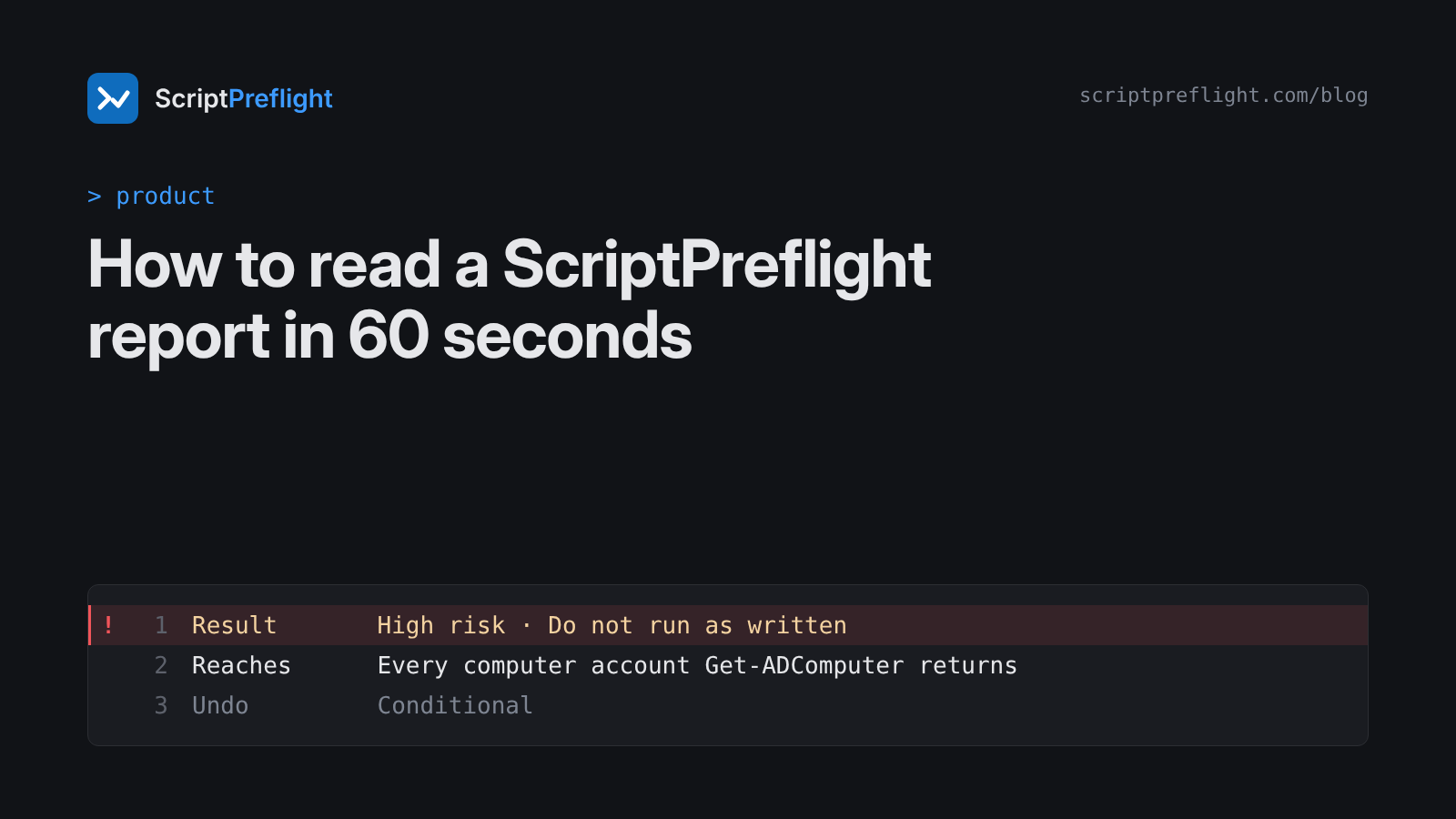
ScriptPreflight now checks JavaScript and TypeScript operations scripts. Paste or upload a .js, .mjs, .cjs, .ts, .mts or .cts file, or choose JavaScript and TypeScript in the language menu, and you get the same report as for a PowerShell or Bash script: what the script changes, how far it reaches, whether it can be undone, and every finding with its rule ID and line.
A lot of admin work is now written in Node: a cleanup job that clears old build folders, a script that tidies resource groups with the Azure SDK, a Graph script that offboards users, a one-off fix that runs a DELETE against a database. These scripts get less review than a pipeline, and the dangerous line is often one call deep inside a helper.
What is checked
The checks are for operations scripts, grouped by what the script does:
- File deletes:
fs.rmSyncandfs.rmwithrecursiveorforce,unlink,rimrafandfs-extra, rated by what the path is and whether it is only known at run time - Commands: text handed to
exec,execSyncorspawnis checked by the Bash, PowerShell or Windows batch (cmd) rules for the shell it runs in, and the finding points at the JavaScript line - Azure SDK: resource group and resource deletes, Key Vault purges, power state changes and role assignments
- Microsoft Graph: deletes and updates on users, groups, applications and Conditional Access policies
- AWS SDK: bucket and object deletes, instance terminations and IAM changes
- Databases: DROP, TRUNCATE, and DELETE or UPDATE with no WHERE, through mssql, pg, mysql2, knex, Prisma and Sequelize; literal T-SQL is checked by the T-SQL rules
- eval and new Function, secrets written in the script, and TLS verification turned off
A delete inside a loop over a listing is rated as a change to every object of that kind. A path built from process.argv or an environment variable is rated at its worst plausible value, never assumed harmless.
How we decided it was ready
A new language is switched on only after it passes a sealed evaluation: scripts written separately from the rules, kept closed while the rules were built, and scored once. JavaScript and TypeScript were scored on 70 dangerous scripts, 70 benign scripts and 8 files that should be refused:
- 0 dangerous scripts called clean
- Critical and High precision 96.6%, recall 91.9%
- a useful result on 95.7% of the benign scripts
- all 8 out-of-scope files refused
Five dangerous scripts came back below High: four were rated Medium and one Low. None of them was called clean. Two benign scripts were rated High or above, and three benign scripts were reported as not assessed.
The coverage page lists every category, the parser and what a report cannot see.
What it does not do
ScriptPreflight reads your script as text. It never runs, requires, imports or transpiles it, never runs npm, and never connects to your tenant, cloud account or database. It can't know how many objects a call will touch or what permissions the script will run with, and the report says so.
The checks cover the categories above. Anything else a script changes, such as a file written into a system folder, an HTTP call that changes another service, or a changing call on a client the rules don't know, is reported as not assessed and lowers coverage to Partial. Application and front-end code with no admin action is reported as "No admin actions found" with Partial coverage. Neither is ever reported as clean.
A clean report means no known issue in what we could check, not a promise that nothing can go wrong. Keep your review, your test environment and your change window.
Try it on the next Node or TypeScript script you're about to run. The free trial includes three preflights, no card required.