JSON configuration checks: ARM, Terraform plans, Conditional Access and more
Shaun Hardneck · · 3 min read
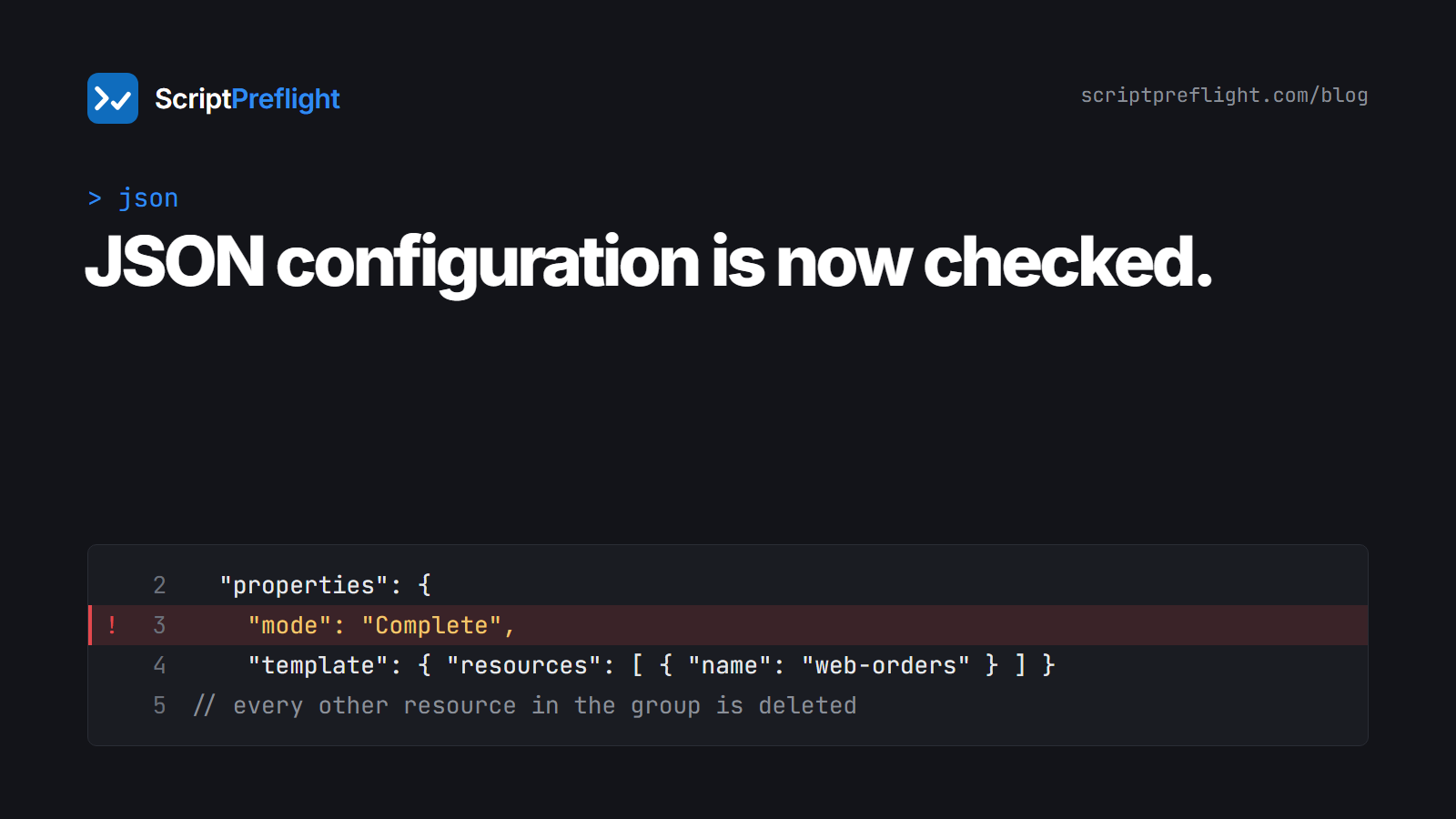
ScriptPreflight now checks JSON configuration files. Paste or upload a .json file and, if it is one of the types below, you get the same report as for a script: what the file changes, how far it reaches, whether it can be undone, and every finding with its rule ID and line. The report also names the type it detected.
A lot of change in a modern estate is never written as a script. It's an ARM template in a pipeline, a Terraform plan approved at the end of the day, a Conditional Access policy copied between tenants, or a Kubernetes manifest from a README. They make real changes with real permissions.
What it reads
The type is detected from the shape of the file, not from its name:
- ARM templates and deployment requests
- Terraform plan JSON (the output of
terraform show -json) - Microsoft Entra Conditional Access policies (Graph JSON)
- Azure Policy definitions, initiatives, assignments and exemptions
- Kubernetes manifests
- npm
package.jsonand VS Codetasks.json
Any other JSON, such as an app settings file, an ARM parameter file or Terraform state, is refused as JSON of an unrecognised type. It is never reported as clean, and a refusal does not use your allowance.
How we decided it was ready
A new language is switched on only after it passes a sealed evaluation: files written separately from the rules, kept closed while the rules were built, and scored once. To pass, no dangerous file could be called clean, Critical and High ratings had to meet a set bar for accuracy and for catching dangerous cases, and unsupported files had to be refused, not guessed at. JSON configuration checks passed their sealed evaluation.
What it looks for
The checks are deterministic rules on the parsed file. They cover 51 categories, among them:
- Complete deployment mode, deployment stacks that delete unmanaged resources, and resource locks switched off
- Owner, Contributor or User Access Administrator granted at subscription or management group scope
- public network access, inbound rules open to the internet, and soft delete or purge protection turned off
- Terraform plans that destroy or replace data stores, or many instances at once
- Conditional Access policies that block everyone, leave out a break-glass exclusion, or target administrator roles
- Azure Policy deny, modify and deployIfNotExists effects at wide scope, and exemptions
- privileged pods, hostPath mounts, cluster-admin bindings and webhooks that can stop a cluster
- npm install scripts and VS Code tasks, whose commands are checked by the Bash or PowerShell rules
The coverage page lists every category, the parser and what a report cannot see.
An example
Here is a deployment request saved for a pipeline:
{
  "properties": {
    "mode": "Complete",
    "template": {
      "$schema": "https://schema.management.azure.com/schemas/2019-04-01/deploymentTemplate.json#",
      "contentVersion": "1.0.0.0",
      "resources": [
        { "type": "Microsoft.Web/sites", "apiVersion": "2022-09-01", "name": "web-orders", "location": "westeurope" }
      ]
    }
  }
}
The template defines only the new web app. In Complete mode, Resource Manager deletes every resource in the target resource group that the template does not list, so the database, the storage account and the key vault next to the app go too. This is exactly the kind of setting the ARM rules look for.
What it does not do
ScriptPreflight reads your file as text. It never deploys, applies or runs it, and never connects to Azure, Entra, a cluster or Terraform state. That means it can't know which resources a resource group already holds, who is in a group, or whether your break-glass account exists, and the report says so. Values supplied at deployment time are rated at their worst plausible value. Values held in parameter files, pipeline variables or Key Vault references aren't in the file, so coverage drops to Partial and the report tells you what it couldn't check.
A clean report means no known issue in what we could check. It is not a promise that nothing can go wrong, so keep your what-if runs, your plan reviews and your change window.
Try it on the next template or policy you're about to deploy. The free trial includes three full preflights, no card required.