Reading the blast radius in a ScriptPreflight report
Shaun Hardneck · · 3 min read
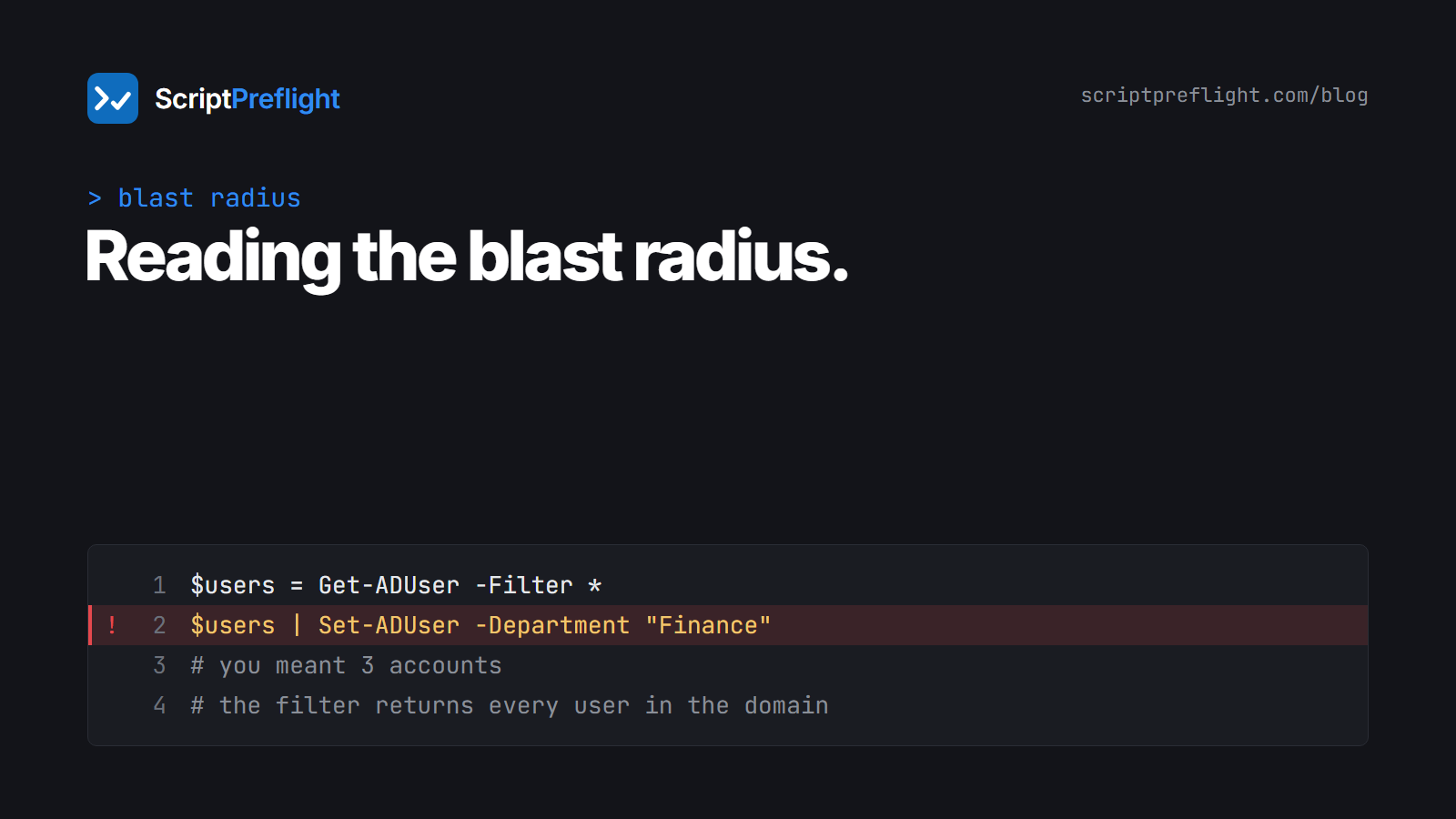
Two scripts can run the same command and do very different damage. Set-ADUser on one named account is a change. The same command on everything Get-ADUser -Filter * returns is an incident. The blast radius is the part of a ScriptPreflight report that tells you which of the two you are looking at.
Where to find it
It appears twice. In the summary at the top, Potential blast radius gives the scope in a word or two. Further down, under Who and what it can reach, the same scope comes with a description of the targets, for example which command's results feed the change.
The scopes
From smallest to largest:
- Single object. One named target, such as a user, a mailbox, a file or a virtual machine.
- Explicit list. Targets written out in the script, so you can count them yourself.
- Filtered collection. Whatever a filter or query returns. The script decides the shape; your environment decides the number.
- Named container. Everything inside a container the script names, such as an OU, a group or a resource group.
- Local machine. The computer the script runs on: its services, registry, files or a restart.
- Named remote machines. Computers the script names and reaches over the network.
- Tenant-wide. Everything of that kind the identity running the script can touch.
- Cannot determine statically. The target depends on something the report can't follow from the text, so it won't guess.
For JSON configuration files the reach is described in deployment terms instead: resource group, subscription, management group, tenant, namespace or cluster.
Compare it with what you expected
Before a preflight you can answer one question: how many objects should it affect at most? The report compares your answer with the blast radius.
If you said one, or up to ten, and the script reaches a filtered collection, everything tenant-wide or a target it can't determine, the report flags the gap: More objects than expected. When the script itself bounds the number and it fits, you see Within the expected count. When the number depends on your environment, such as a filter over your directory, the report says Can't check without your environment rather than pretending to know. With no expected count, it says so and doesn't check.
What it can't count
ScriptPreflight reads the script as text. It never connects to your tenant, directory or servers, so it can't tell you that a filter matches 4,200 accounts today. It tells you the shape: one object, a written list, or whatever this filter returns.
That is your cue to count. Run the read-only half of the script first, the part that finds the targets without changing them, and look at the number before you run the rest.
Three habits that shrink the blast radius
- Name targets where you can. A written list of five accounts is easier to review than a filter that happens to match five today.
- Count before you change. Put the filter result in a variable, check how many items it holds, and stop if the number is higher than you expect.
- Scope by container. A change limited to one OU or one resource group stays there, even if the filter inside it is wrong.
The blast radius doesn't replace your judgement. It gives you the right question to ask before you press Enter: is this the reach I meant?
A report with no findings means no known issue in what we could check, not a promise that nothing can go wrong. Try it on the next script with a filter in it. The free trial includes three preflights, no card required.