ScriptPreflight is now on Microsoft Marketplace
Shaun Hardneck · · 2 min read
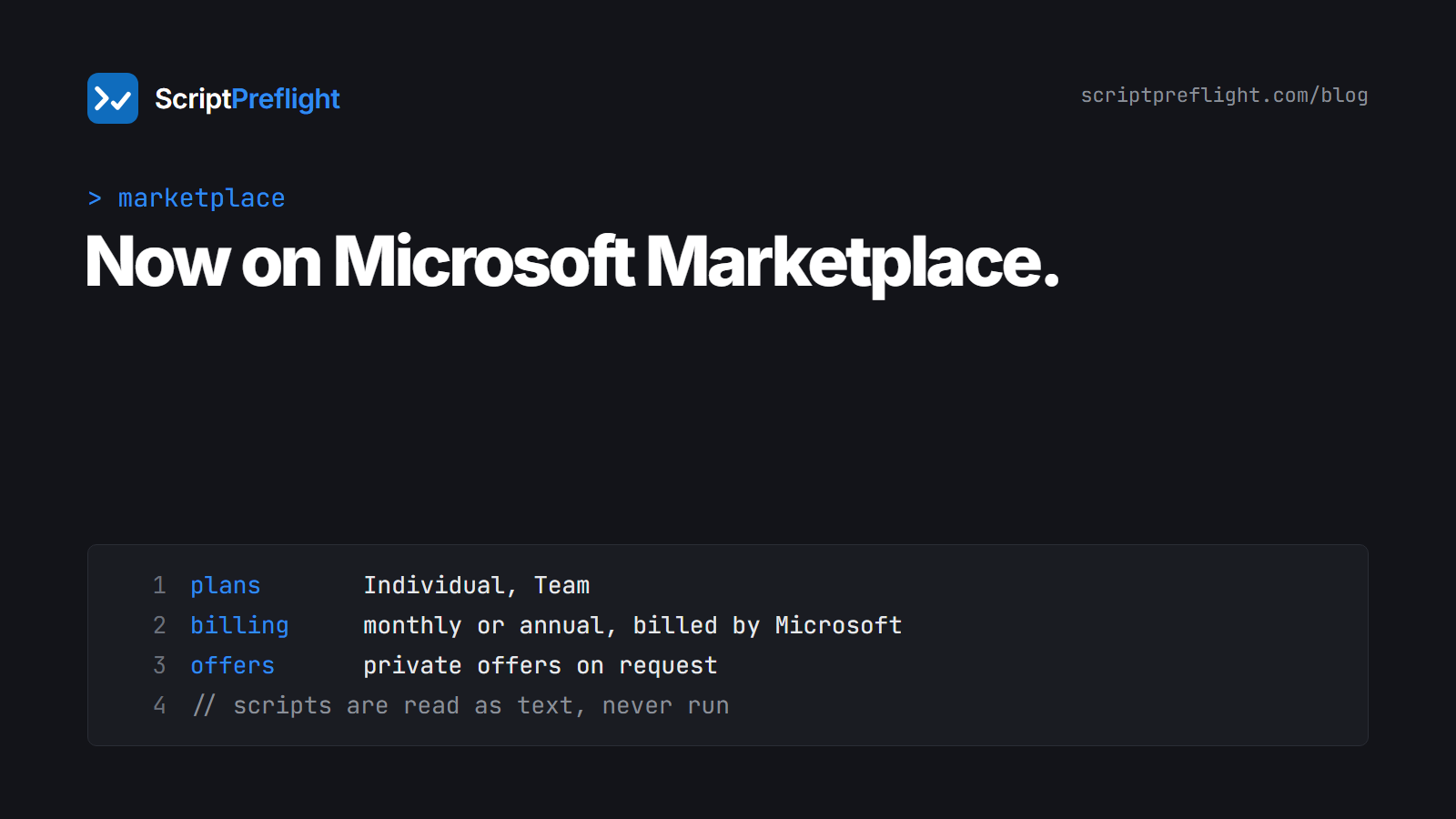
ScriptPreflight is now listed on Microsoft Marketplace. If your organisation buys software through Microsoft, you can subscribe with your Azure account and Microsoft bills you, alongside the rest of your Microsoft spend.
Buying directly on our website still works exactly as before. The Marketplace is a second way to pay, for teams whose procurement prefers it.
What you can buy
The listing offers the same two plans as our pricing page, each billed monthly or annually:
- Individual: one admin, 40 preflights a month, full reports, PDF, Markdown and JSON export, 180-day report history and saved scripts with version history.
- Team: everything in Individual for 5 members with roles, invitations and seat management, a shared script library, 250 pooled preflights a month and 365-day report history.
Both plans check the same languages as the website: PowerShell, SQL Server T-SQL, Bash and sh, and Windows batch (cmd) scripts, and JSON configuration files such as ARM templates, Terraform plans and Conditional Access policies. The coverage page lists what each one reads and what a report cannot see.
Buying with your Azure account
A Marketplace purchase is made by someone in your organisation who can buy on its Azure billing account. There is no new supplier to set up and no card to give us: Microsoft bills the subscription and it appears on the invoice you already get from Microsoft. For now, the plans can be bought from billing accounts in South Africa, the United States and the United Kingdom.
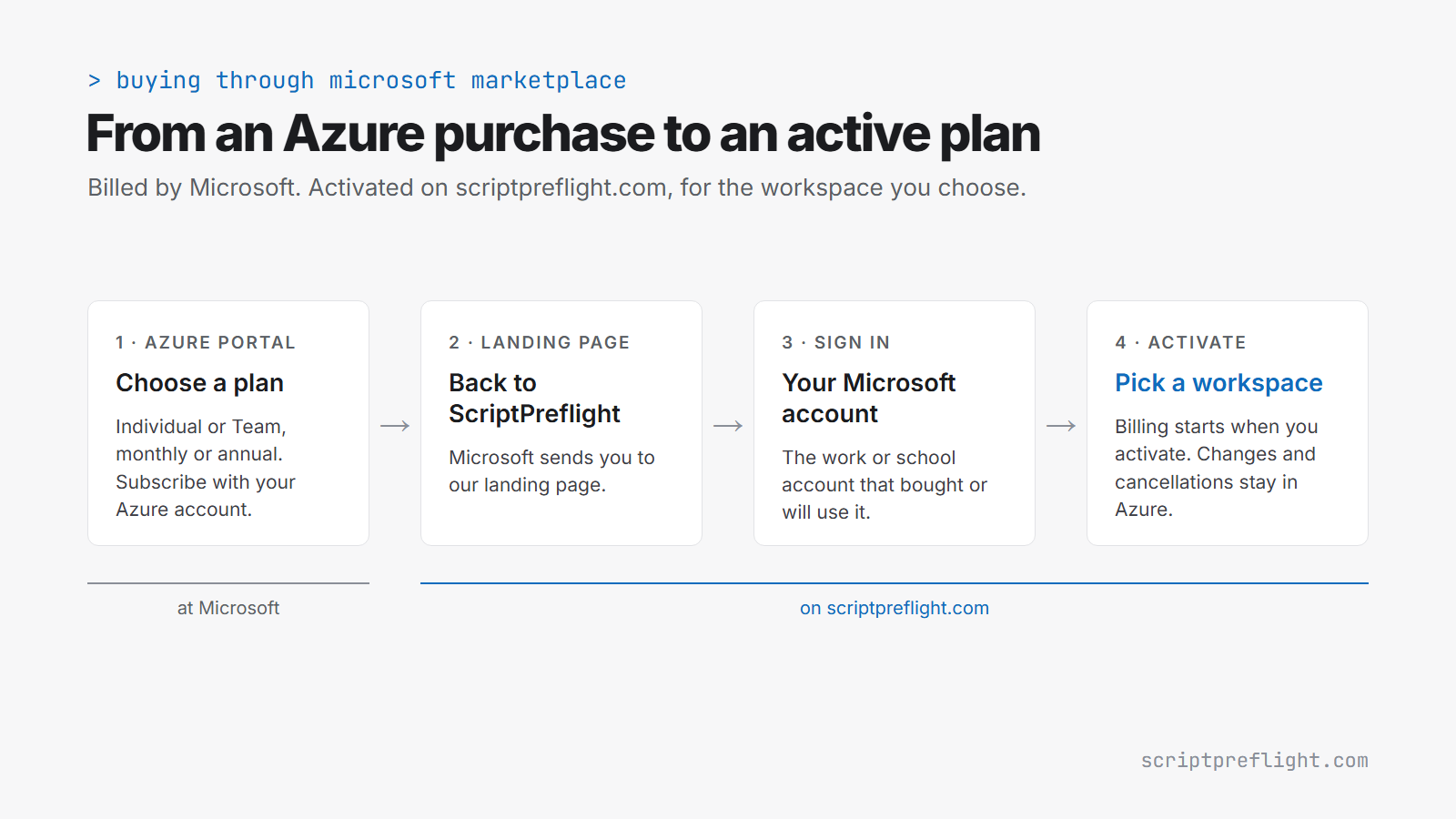
How a Marketplace purchase works
- Find ScriptPreflight in the Azure portal or on Microsoft Marketplace, or follow the link on our pricing page. Choose a plan and billing term, and subscribe.
- Microsoft sends you to our landing page on scriptpreflight.com.
- Sign in with the Microsoft work or school account that bought or will use the subscription.
- Choose an existing workspace or create one, and activate. Microsoft starts billing when the subscription is activated, and the plan applies to that workspace from then on.
Microsoft bills Marketplace purchases under the Standard Contract for Microsoft Marketplace. Plan changes and cancellations go through the Azure portal, and ScriptPreflight follows them.
Private offers
If your organisation needs a custom price or terms, we can prepare a private offer. We create it for your billing account, you accept it in the Azure portal, and Microsoft bills it like any other Marketplace purchase. Private offers are available on request for customers in South Africa, the United States and the United Kingdom for now. Use the Request private offer button on the listing, or tell us what you need.
Partners
If you are a Microsoft partner, reseller or distributor and want to offer ScriptPreflight to your customers, contact us. We will work out the right route with you.
What stays the same
ScriptPreflight reads your script or file as text. It never runs it and never connects to your tenant, servers or subscriptions, however you pay. A clean report means no known issue in what we could check, not a promise that nothing can go wrong.
Not ready to buy? The free trial on the website includes three preflights, no card required.