T-SQL is now checked
Shaun Hardneck · · 3 min read
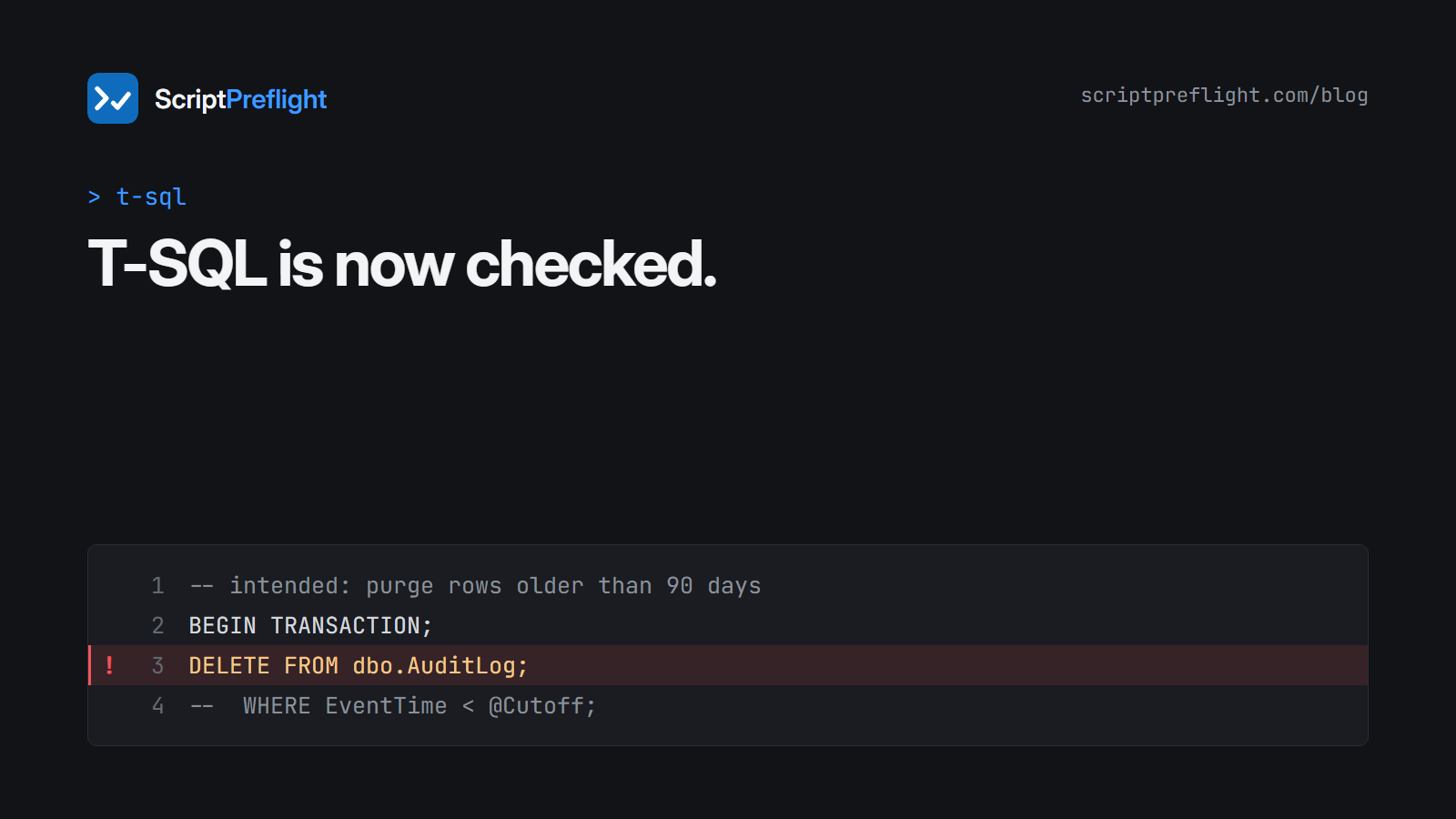
ScriptPreflight now checks SQL Server T-SQL scripts. Paste or upload a .sql file, choose T-SQL, and you get the same report as for PowerShell: what the script changes, how far it reaches, whether it can be undone, and every finding with its rule ID and line.
Until today we only reviewed SQL when it sat inside PowerShell, in an Invoke-Sqlcmd query or a dbatools call. Plenty of DBA work never touches PowerShell. It's a .sql file in a change ticket, a script from a vendor, or something an AI chat tool wrote ten minutes ago.
How we decided it was ready
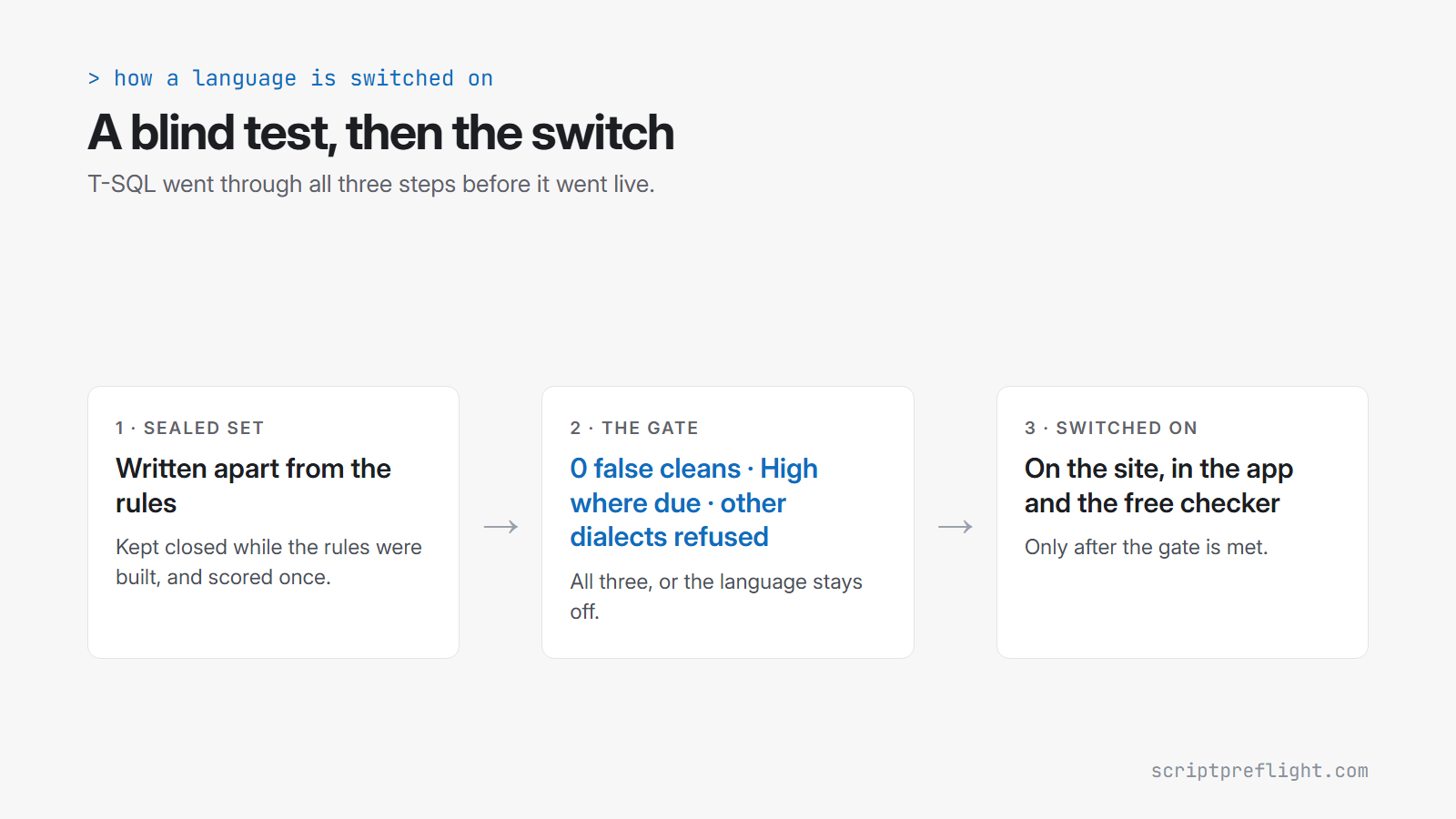
A new language is switched on only after it passes a test it has never seen. For T-SQL, that was a sealed holdout set: scripts written separately from the rules, kept closed while the rules were built, and scored once. To pass:
- no dangerous script could be called clean,
- every dangerous case had to be flagged at Critical or High where that was expected,
- scripts in other SQL dialects had to be refused, not guessed at.
T-SQL met all three, and only then was it switched on.
What it looks for
The checks are deterministic rules on the parsed script, using Microsoft's own T-SQL parser. Among them:
DELETEandUPDATEwith noWHEREclause, including the one that was commented outTRUNCATE TABLEandDROPstatements- recovery model changes that break the log backup chain
DBCC SHRINKFILEandSHRINKDATABASE- transactions with no error handling, so a failure can leave half a change behind
- login, user and server-role changes
An example
Here is a purge that a lot of us have written, or reviewed at 11pm:
BEGIN TRANSACTION;

DELETE FROM dbo.AuditLog;
--  WHERE EventTime < @Cutoff;

TRUNCATE TABLE dbo.AuditLogStaging;

COMMIT TRANSACTION;

ALTER DATABASE SalesReporting SET RECOVERY SIMPLE;
DBCC SHRINKFILE (SalesReporting_log, 1);
The intent was to remove rows older than 90 days. Someone commented out the WHERE while testing and never put it back. The report rates it Critical and says why, line by line: the DELETE removes every row of dbo.AuditLog, the TRUNCATE empties the staging table, switching to SIMPLE breaks the log backup chain, the transaction has no error handling, and the shrink fragments indexes while the file often grows again.
You can read the full report, produced by the production engine from this synthetic script, in the T-SQL sample report, or run the same script yourself in the free checker.
What it does not do
ScriptPreflight reads your script as text. It never runs it and never connects to a server. That means it can't know how many rows a table holds, whether an object exists, or what permissions the login has, and the report says so in its limitations. Procedures, functions and triggers that are not defined in the script aren't analysed. When the engine can't follow something, coverage drops to Partial and the report tells you what it couldn't check.
A clean report means no known issue in what we could check. It is not a promise that nothing can go wrong, so keep your backups, your test restore and your change window.
Which SQL
This is SQL Server T-SQL, which also covers Azure SQL syntax. Oracle, PostgreSQL and MySQL scripts are refused rather than read as if they were T-SQL. PostgreSQL is next, and it will be switched on the same way: only after it passes its own sealed test.
Try it on your next maintenance script. The free trial includes three full preflights, no card required.