cmd and batch files: now checked before you run them
Shaun Hardneck · · 3 min read
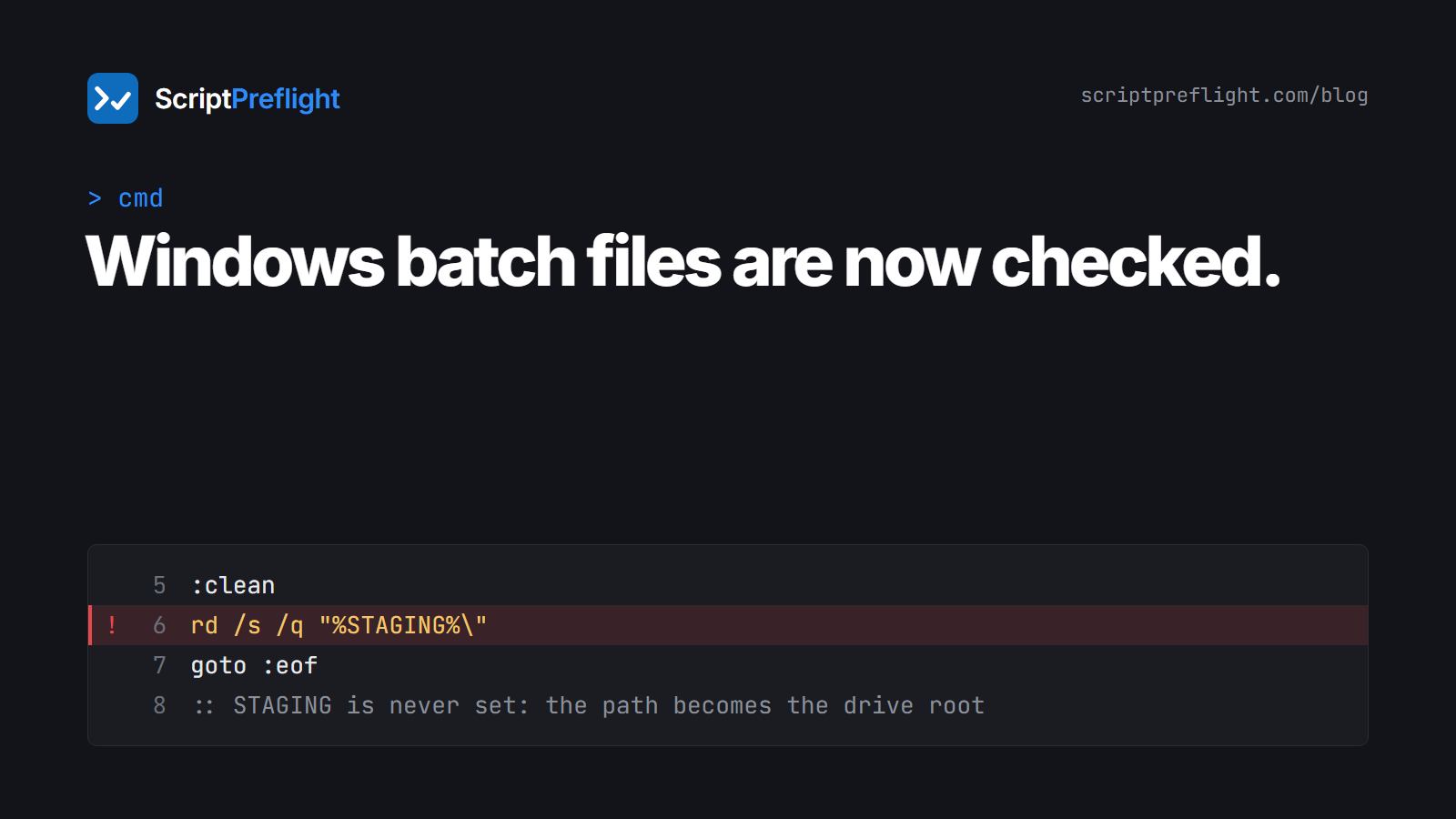
ScriptPreflight now checks Windows batch files. Paste or upload a .cmd or .bat file, or choose Windows batch (cmd) in the language menu, and you get the same report as for a PowerShell script: what the script changes, how far it reaches, whether it can be undone, and every finding with its rule ID and line.
Batch files are still everywhere: login scripts, scheduled cleanup jobs, installer wrappers, build steps and the one file on the jump box that everybody runs and nobody owns.
How we decided it was ready
A new language is switched on only after it passes a sealed evaluation: scripts written separately from the rules, kept closed while the rules were built, and scored once. To pass, no dangerous script could be called clean, Critical and High ratings had to meet a set bar for accuracy and for catching dangerous cases, and input that is not a batch script had to be refused, not guessed at. Windows batch (cmd) checks passed their sealed evaluation.
Three lines, three kinds of loss
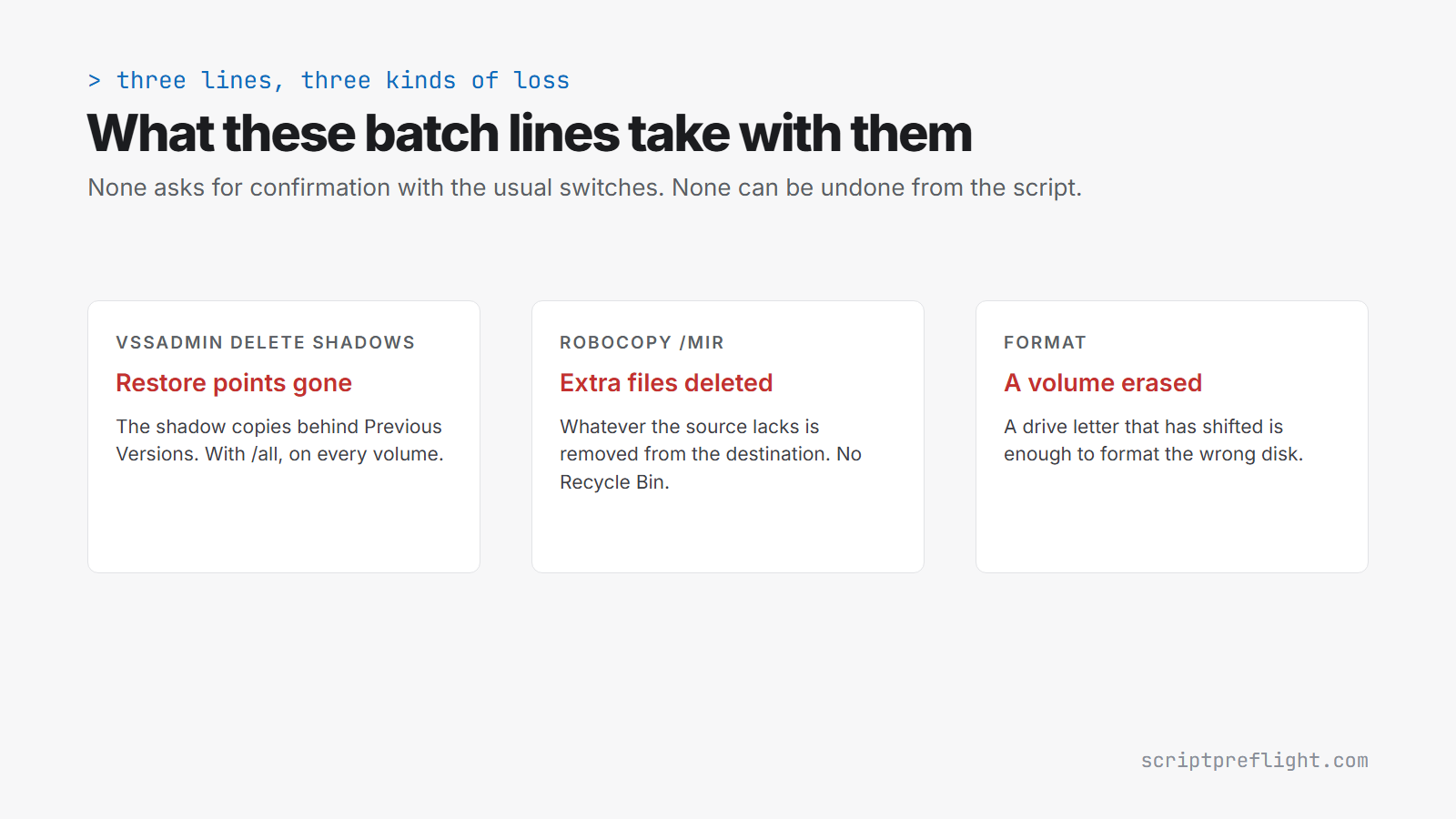
Three commands that turn up in real batch files show why a line-by-line read matters:
- vssadmin delete shadows. One line removes the volume shadow copies that Previous Versions and many restores rely on. With /all it removes them on every volume. It is also a common ransomware step.
- robocopy /MIR. It makes the destination match the source, which means deleting every file at the destination that the source doesn't have. Swap source and destination, or point it at an empty folder, and a sync becomes a wipe. Nothing goes to the Recycle Bin.
- format. It erases a volume. In a build or provisioning script, a drive letter that has shifted since the script was written is all it takes to format the wrong disk.
None of them asks for confirmation when run with the usual switches, and none can be undone from the script.
What it looks for
The checks are deterministic rules on the parsed script, in 38 categories. Commands that change something:
rd /s /qanddel /s /qon a drive root, a system folder, an application folder or every profilerobocopy /MIRand/PURGEformat,diskpartclean scripts,cipher /wand shadow copy or backup catalogue removalreg delete,reg add /f, service changes withsc, and scheduled tasks deleted or created as SYSTEM- account and group changes with
net userandnet localgroup, including/domain icacls,takeown,bcdedit,setx /m, event log clearing and firewall changes withnetsh
Mistakes in the batch language itself:
- a variable that can be empty inside a delete path, so the path collapses to the drive root
- a variable read inside a parenthesised block, which still holds its value from before the block
if errorlevelchecks in the wrong place, and anif errorlevel 0that is always truecdwithout/d, apushdto a share that may fail, and paths that depend on where the script started
The coverage page lists every category, the parser and what a report cannot see.
What it does not do
ScriptPreflight reads your script as text. It never runs it, never starts cmd.exe or the programs it calls, and never connects to your servers or shares. It can't know which folders exist, what a value typed in at run time will be, or what a called program or script outside the file does, and the report says so: coverage drops to Partial with the reasons listed. Literal PowerShell passed to powershell -Command is checked by the PowerShell rules.
A clean report means no known issue in what we could check, not a promise that nothing can go wrong. Keep your test runs, your backups and your change window.
Try it on the next batch file you're about to schedule. The free trial includes three preflights, no card required.