YAML files: now checked before you apply them
Shaun Hardneck · · 3 min read
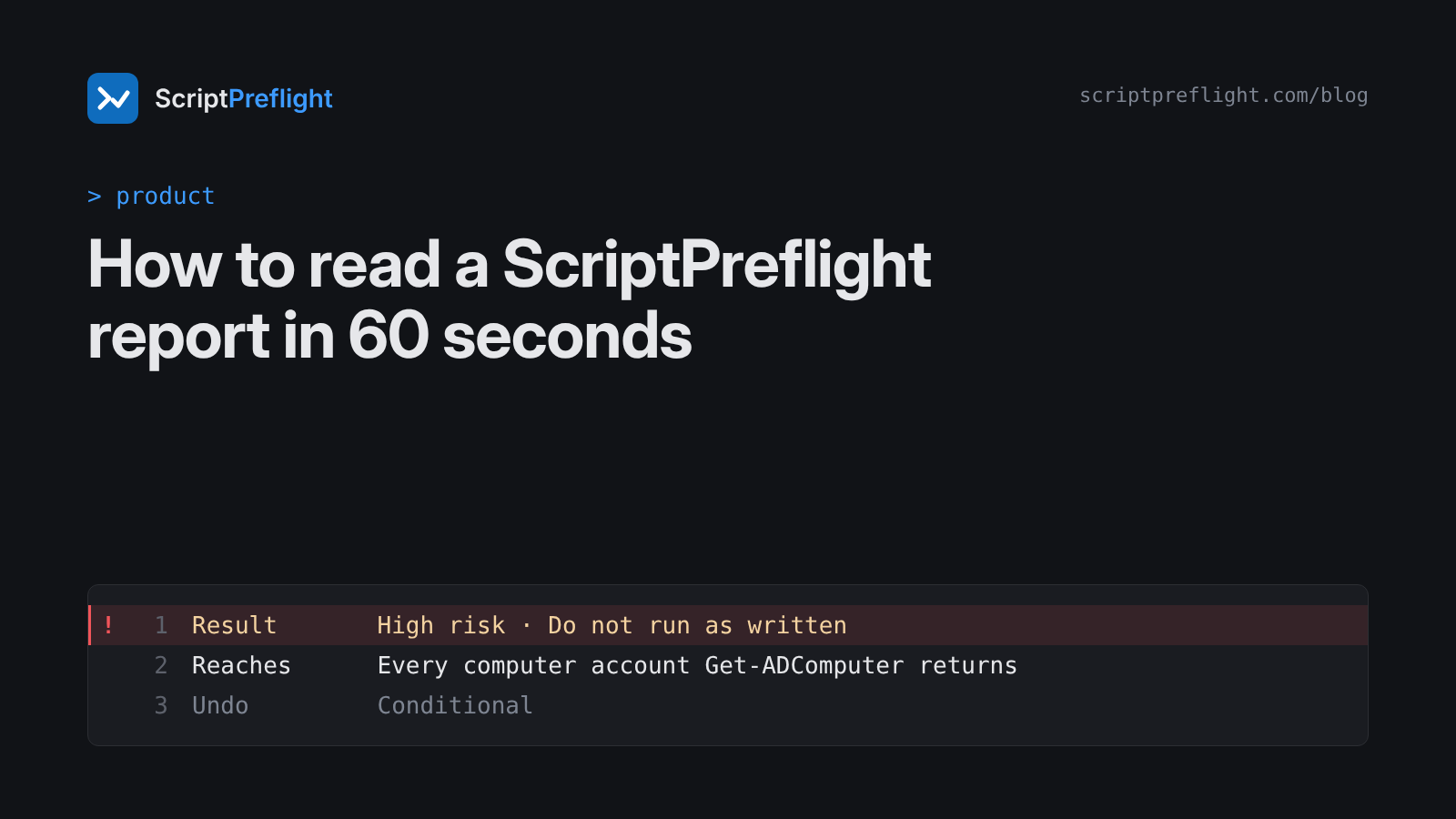
ScriptPreflight now checks YAML files. Paste or upload a .yaml or .yml file, or choose YAML in the language menu, and you get the same report as for a script: what the file changes, how far it reaches, whether it can be undone, and every finding with its rule ID and line.
More and more change goes out as YAML rather than as a script: a manifest applied to a cluster, a playbook played against an inventory, a workflow that deploys on every push, a pipeline with a service connection to production. These files are reviewed in pull requests, but a reviewer reads the diff, not what the file will do once it runs.
Four kinds of YAML
Each report names the type it detected and applies that type's rules:
- Kubernetes manifests: privileged pods and host namespaces, hostPath volumes, cluster-admin and wildcard RBAC, workloads exposed outside the cluster, finalizers removed, webhooks that can stop the cluster, and secrets written in plain text
- Ansible playbooks and task files: files removed on a broad path, users and groups changed, services stopped, firewalls opened, become to root, a play on every host at once with no batching, and errors ignored on a change
- GitHub Actions workflows: write-all token permissions, pull_request_target with a checkout of the pull request, untrusted issue or pull request text expanded into a script, secrets printed, and actions not pinned to a commit
- Azure Pipelines: service connection reach, production deployments with no approval gate, and secret variables echoed
Scripts inside the file are not skipped. Ansible shell and command tasks, run: steps and pipeline script steps are checked by the Bash, PowerShell and Windows batch (cmd) rules for the shell they run in, and each finding points at its line in the YAML file.
Any other YAML, such as app settings or a docker-compose file, is refused as YAML of an unrecognised type. It is never analysed and never reported as clean.
How we decided it was ready
A new language is switched on only after it passes a sealed evaluation: files written separately from the rules, kept closed while the rules were built, and scored once. YAML was scored on 70 dangerous files, 70 benign files and 8 files that should be refused:
- 0 dangerous files called clean
- Critical and High precision 100%, recall 95.2%
- a useful result on 100% of the benign files
- all 8 out-of-scope files refused
Three dangerous files came back below High: one was rated Medium and two were reported as not assessed. None of them was called clean.
The coverage page lists every category for each file type, the parser and what a report cannot see.
What it does not do
ScriptPreflight reads your file as text. It never applies a manifest, plays a playbook or runs a pipeline, and it never connects to your cluster, inventory or repository. It can't know which hosts a group holds, whether a repository is public or which checks an environment has, and the report says so.
Template expressions such as Jinja, ${{ }} and $(var) are filled in at run time, so a value that is not in the file is rated at its worst plausible value. Templates, includes, roles and actions whose code is not in the file, merge keys and duplicate keys, and constructs the rules do not model all lower coverage to Partial, with the reasons listed. None of them can produce a clean result.
A clean report means no known issue in what we could check, not a promise that nothing can go wrong. Keep your review, your staging cluster and your change window.
Try it on the next manifest or playbook you're about to apply. The free trial includes three preflights, no card required.